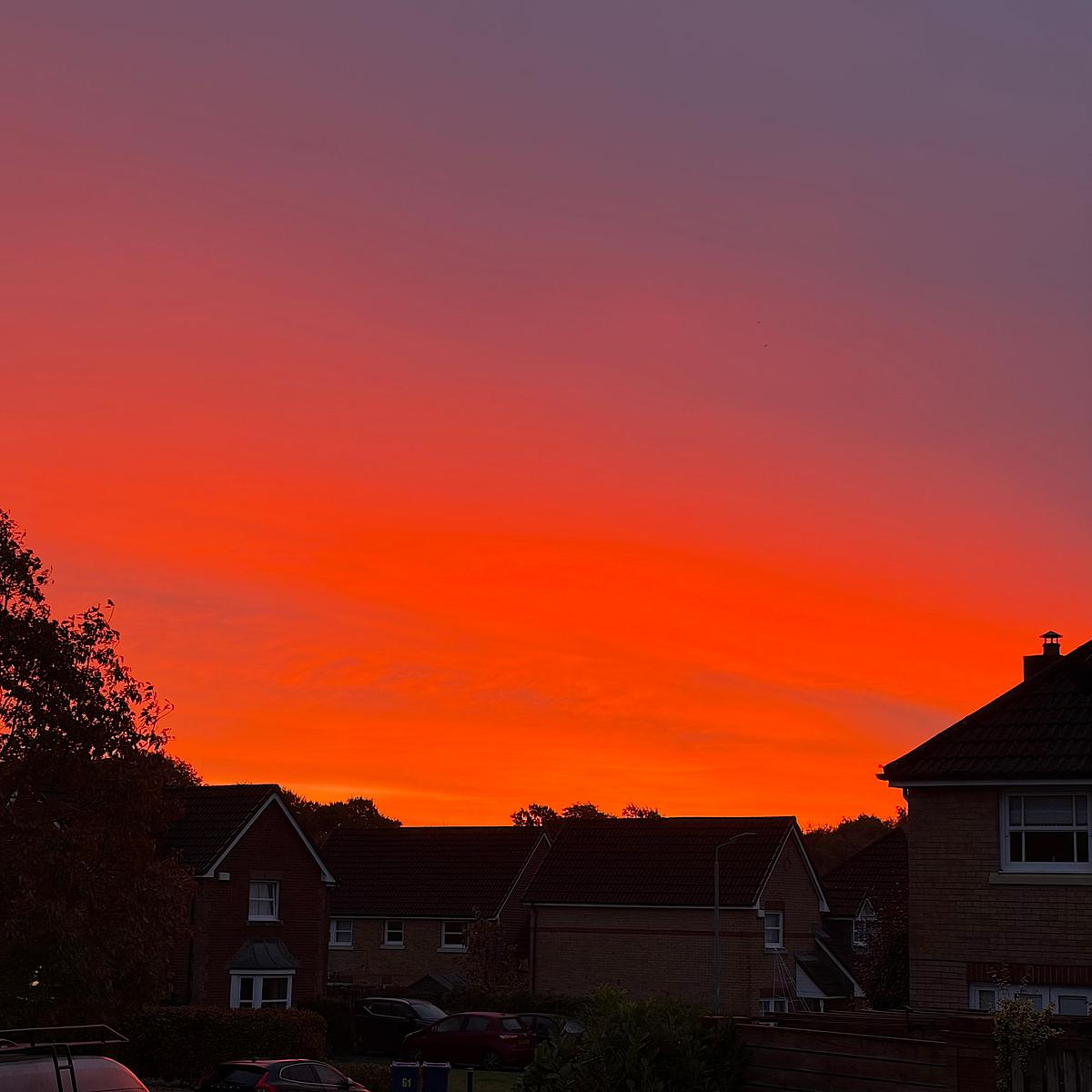
It’s hard to believe we have a weather warning for later in the day when the day starts like this.

Family guy and web developer
It’s hard to believe we have a weather warning for later in the day when the day starts like this.
Loving the new look for Mastodon 5.0.
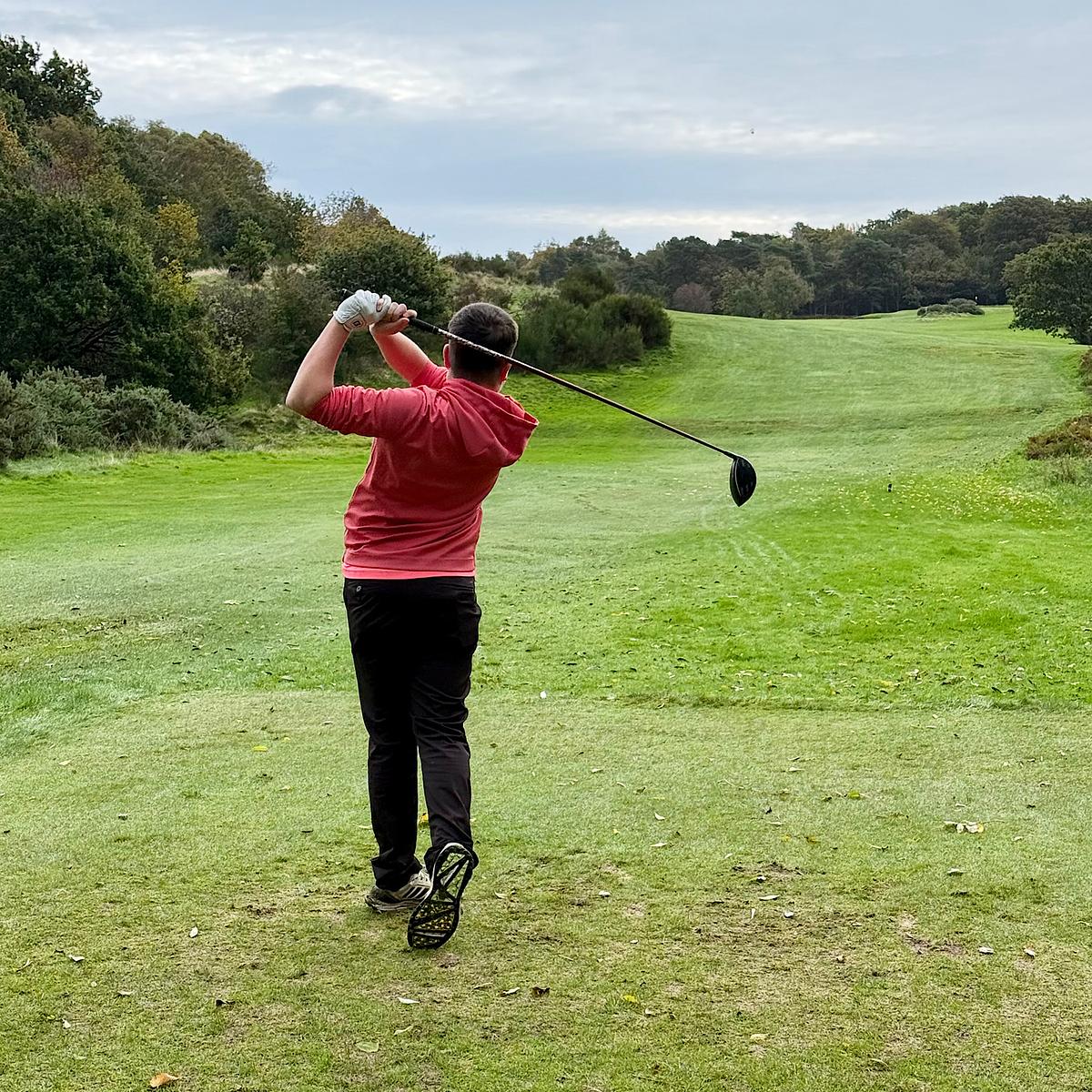
I played 18 holes this morning with Drew. Good to see him getting more technical with his golf.
Sun low in the sky, a roast in the oven, apples stewing for later tonight, the Packers on television shortly. Pretty much a perfect evening ahead.
After reading about Robert Birming’s photo page, I decided to add one to my own blog, with one change. My own photo page turned out pretty well. Here’s what I did.
Adding a new page in Jekyll is straightforward. It’s just a static page after all. Rendering a single photo in Jekyll wasn’t the challenge, though. I wanted to include archives of all the photos I will eventually share on this page, so I needed a way to build an image archive.
Jekyll is a static site generator, so it doesn’t have a database to query for archive photos. I needed another Jekyll-friendly database. Enter the photos.yml file.
This file contains the URLs for each photo’s full-sized and thumbnail versions, the caption, the alt text and the date the photo was taken. Each uploaded photo is added to the top of this file and acts as the source for the photo page and the archive.
I now needed a means to update this. I have my own publishing app, Postpress, that updates my Jekyll site. It’s a Rails application that lets me publish articles, upload images, and manage a few other data collections on my website. I already could upload images for my posts, so the photo upload uses the same process but saves to a separate photos folder.
I then collect the uploaded photo URLs, caption, date and LLM-generated alt text (which I always review), and add these to the top of the photos.yml file on my blog. Postpress commits these changes and pushes them back to my source code management host, where a new build of the website is triggered.
The resulting photos.yml file will look something like this:
---
- url: https://notarealhost.com/photos/2026/10/golf-course-full.jpg
  thumbnail: https://notarealhost.com/photos/2026/10/golf-course-thumb.jpg
  alt: A golf course putting green with a white flag pin, lush fairway, scattered trees, and a partly cloudy blue sky.
  caption: "Another view of the golf course. I wish I was more organised. I would have brought my clubs and played."
  date: 2026-10-10
- url: https://notarealhost.com/photos/2026/10/nuphy-keyboard-full.jpg
  thumbnail: https://notarealhost.com/photos/2026/10/nuphy-keyboard-thumb.jpg
  alt: Close-up of a mechanical keyboard's upper-right corner featuring dark gray, white, and teal keycaps with an RGB light strip.
  caption: I switched back to the original keycaps on my Nuphy Air75 keyboard. I quite like the default keycaps.
  date: 2026-10-09
I have a handful of layouts and views, plus a plugin that aggregates all the data for the photo pages, letting you drill down into the archives by year and navigate back. As the photos.yml is located in the _data folder in Jekyll, I can reference these photos by using site.data.photos.
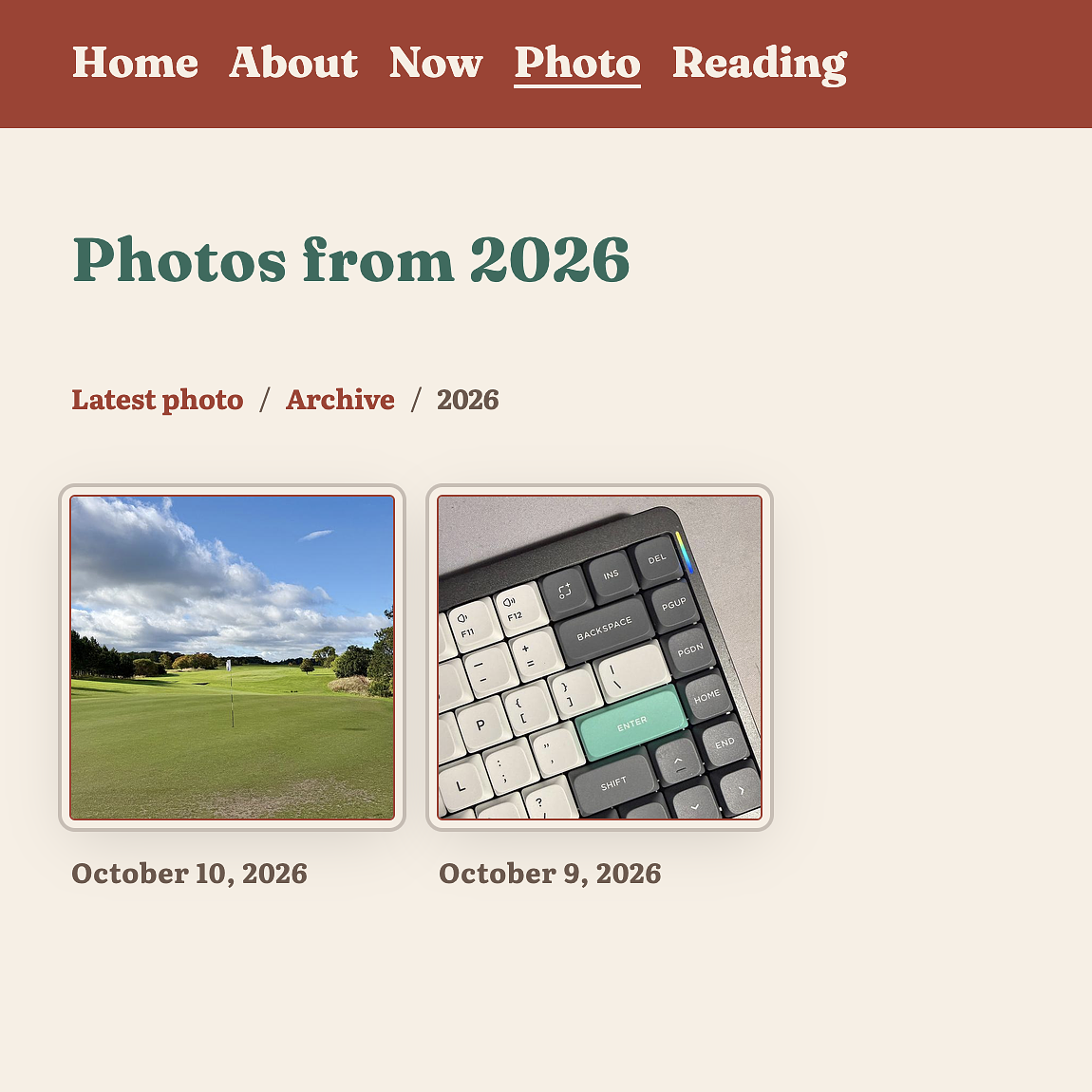
Here are the files I needed to build this.
site.data.photos collection.This took a bit of time today, but it was time well spent. I like to think of this as my own personal Instagram baked into my blog, without the hassle of actually having to post to Instagram.
I am really intrigued by Enkihost, a new host for Ruby applications by Albert Oliva. Pricing seems very competitive, but I haven’t run an application there yet, let alone five. It’s certainly cheaper than my current DigitalOcean and Hatchbox setup.
It turned out to be a pretty good day for Drew’s coaching at Castle Park Golf Club today. Sunny, but also quite windy.
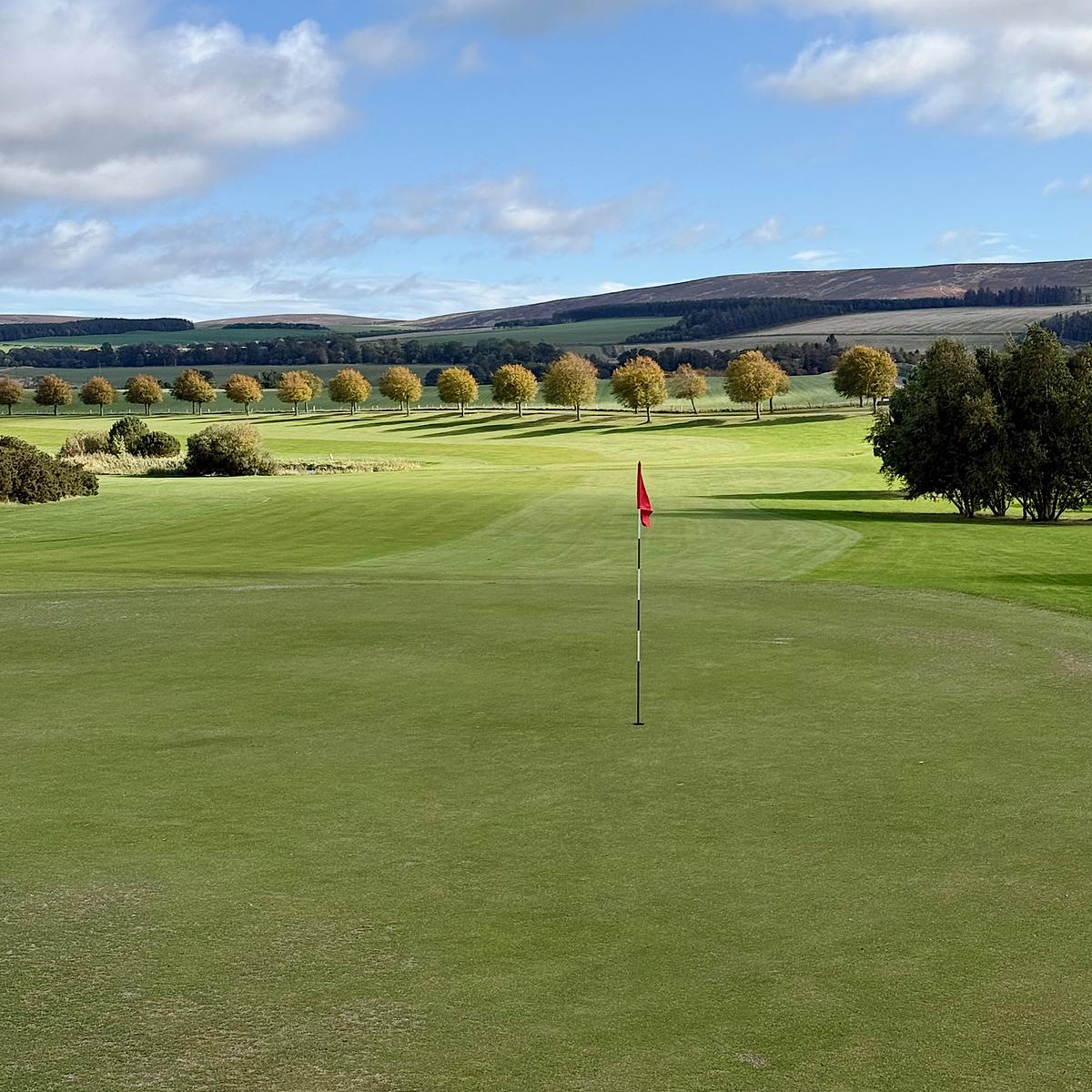
Starting a week off work tomorrow to take Drew to an all-day golf coaching session at Castle Park Golf Club. I’ll be pitching up in the clubhouse all day. Expect a few posts tomorrow, and maybe a few blog changes.
I updated Firefox to the new design today, and it’s nice to see it looking modern once again. I’m also glad to see Compact Mode is back, now with an auto option for smaller screens.
Every morning is the same. I close tabs for pull requests I reviewed yesterday and check which ones have been merged.
GitHub’s favicon shows a green tick for a pull request ready to merge, but it would be nice if it updated to a purple indicator when a pull request is already merged.