
My /photo page
After reading about Robert Birming’s photo page, I decided to add one to my own blog, with one change. My own photo page turned out pretty well. Here’s what I did.
Adding a new page in Jekyll is straightforward. It’s just a static page after all. Rendering a single photo in Jekyll wasn’t the challenge, though. I wanted to include archives of all the photos I will eventually share on this page, so I needed a way to build an image archive.
Jekyll is a static site generator, so it doesn’t have a database to query for archive photos. I needed another Jekyll-friendly database. Enter the photos.yml file.
This file contains the URLs for each photo’s full-sized and thumbnail versions, the caption, the alt text and the date the photo was taken. Each uploaded photo is added to the top of this file and acts as the source for the photo page and the archive.
I now needed a means to update this. I have my own publishing app, Postpress, that updates my Jekyll site. It’s a Rails application that lets me publish articles, upload images, and manage a few other data collections on my website. I already could upload images for my posts, so the photo upload uses the same process but saves to a separate photos folder.
I then collect the uploaded photo URLs, caption, date and LLM-generated alt text (which I always review), and add these to the top of the photos.yml file on my blog. Postpress commits these changes and pushes them back to my source code management host, where a new build of the website is triggered.
The resulting photos.yml file will look something like this:
---
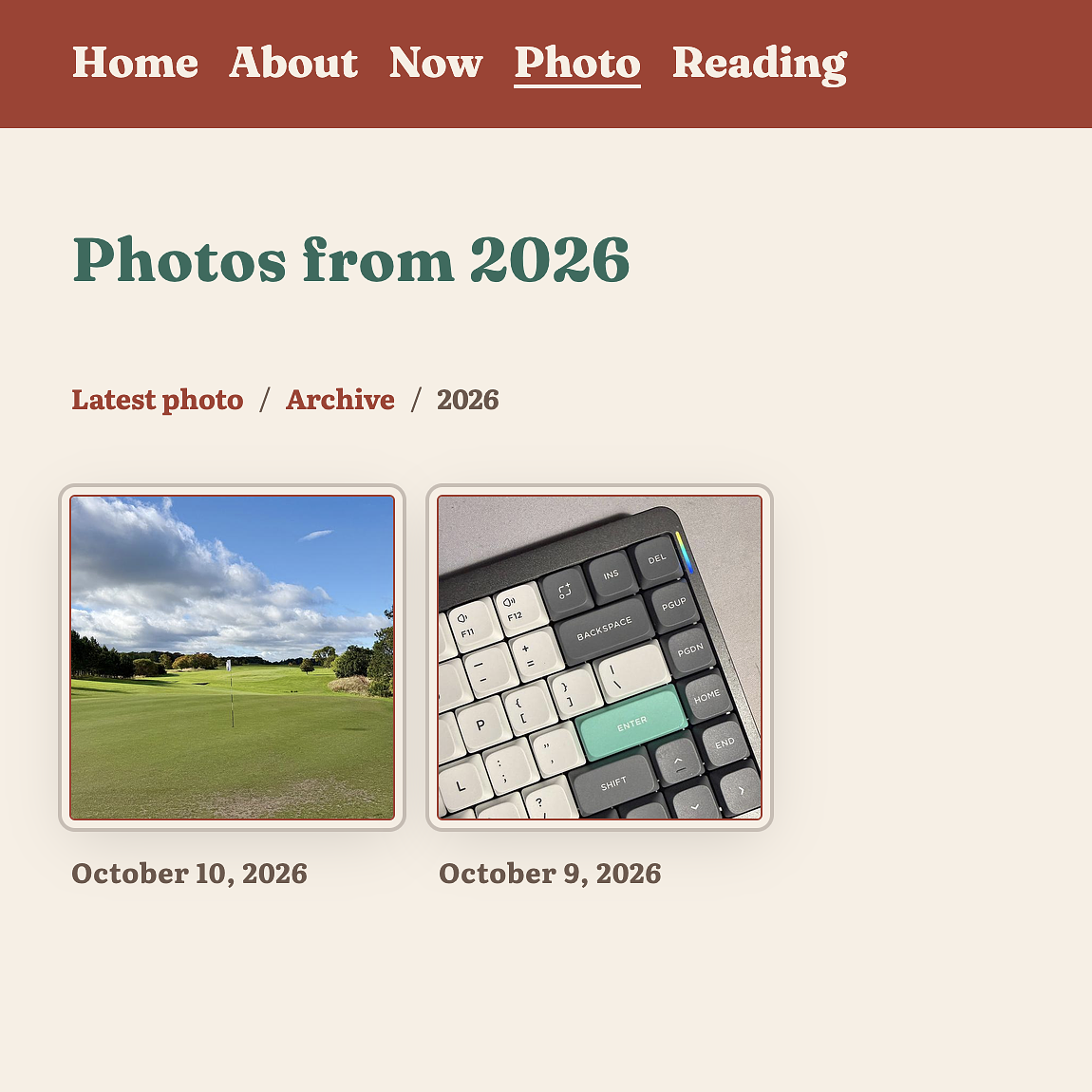
- url: https://notarealhost.com/photos/2026/10/golf-course-full.jpg
  thumbnail: https://notarealhost.com/photos/2026/10/golf-course-thumb.jpg
  alt: A golf course putting green with a white flag pin, lush fairway, scattered trees, and a partly cloudy blue sky.
  caption: "Another view of the golf course. I wish I was more organised. I would have brought my clubs and played."
  date: 2026-10-10
- url: https://notarealhost.com/photos/2026/10/nuphy-keyboard-full.jpg
  thumbnail: https://notarealhost.com/photos/2026/10/nuphy-keyboard-thumb.jpg
  alt: Close-up of a mechanical keyboard's upper-right corner featuring dark gray, white, and teal keycaps with an RGB light strip.
  caption: I switched back to the original keycaps on my Nuphy Air75 keyboard. I quite like the default keycaps.
  date: 2026-10-09
I have a handful of layouts and views, plus a plugin that aggregates all the data for the photo pages, letting you drill down into the archives by year and navigate back. As the photos.yml is located in the _data folder in Jekyll, I can reference these photos by using site.data.photos.
Here are the files I needed to build this.
- photo.md - The photo page itself, which will grab the first photo from the
site.data.photoscollection. - photo/archive.html - The archive page showing a photo for each year I have posted.
- photo-year.html - The page that displays all the photos for a year.
- photo_archive.rb - A plugin that generates a page for each year.
This took a bit of time today, but it was time well spent. I like to think of this as my own personal Instagram baked into my blog, without the hassle of actually having to post to Instagram.