Matthew Lang avatar

Themes

Building and exploring themes for Jekyll and Micro.blog.

New blog theme

Despite telling myself I would only update my website theme once a year, tonight I decided to throw that rule out the window and give it a new look.

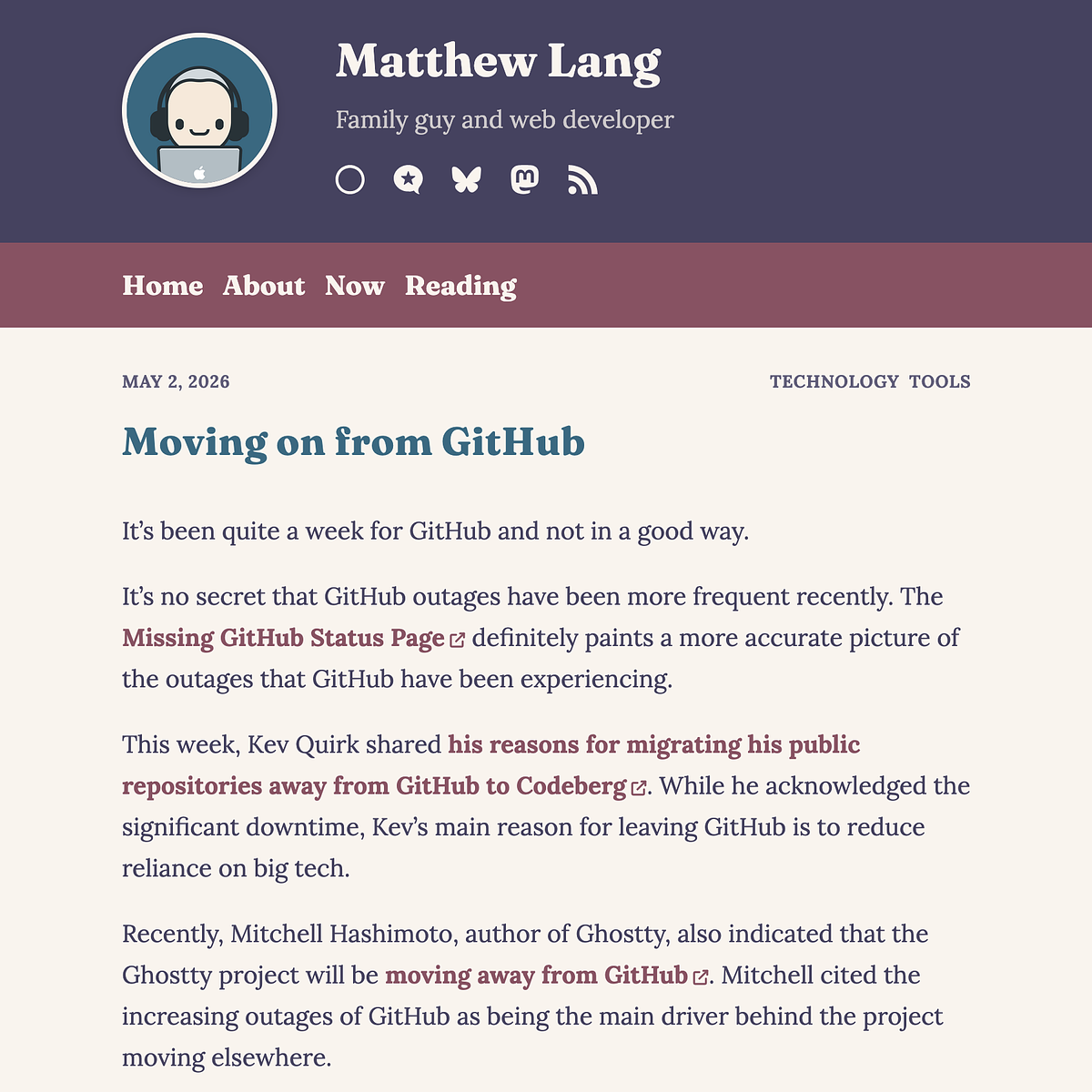
Blog post by Matthew Lang titled "Moving on from GitHub" dated May 2, 2026, discussing GitHub outages and migrations to alternatives.

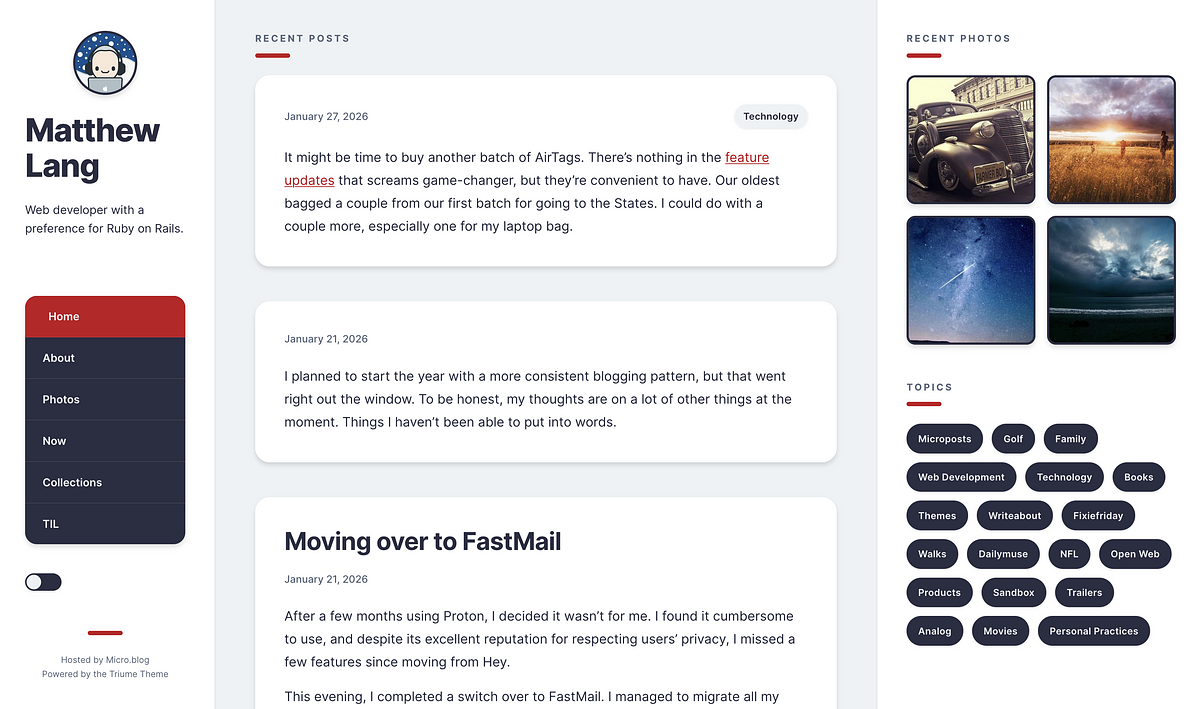
Gone are the hand-drawn-style dividers and the Kagi-inspired black, white, and gold theme, to be replaced by a Rosepine theme featuring earthy tones. Very apt now that we are coming into summer here in the UK.

I have made a bit more use of a card design for the website’s images, blogroll and reading pages.

For fonts, I am using Lora for body text and Fraunces for headings. I quite like to split my font selection this way.

To make future changes to the colour scheme, I have set up five CSS variables that represent the theme’s main colours. Any other colours are derived from these five variables using the color-mix function.

I definitely scratched an itch with this one, as I felt the previous theme was too stark and lacked some warmth. I’ve found it in this colour selection and by changing the fonts the website uses.

I spent a bit of time on my new Micro.blog theme tonight. All elements have been refined, and a splash of colour has been added. And thanks everyone for the positive feedback so far!

I am making progress today, integrating PageFind into the Bothy theme. I’m only ensuring that the search input and results work with the light and dark schemes initially. A later update may see me use the colour themes for Bothy, but I have not decided yet. You can see a sneak preview on my blog.

I added PageFind to my blog last night, but I am still trying to get it working with the light and dark scheme. Once this is resolved, I’ll see about then integrating it into the Bothy theme.

I improved the summary preview on the Bothy theme last night. I’m not sure there’s much else that needs to be added to my theme, but I can park it for a few weeks now until something else comes up.

Can any plugin authors here on Micro.blog tell me how you get an image/logo to appear next to your plugin in the plugins directory? I still haven’t managed to figure out how to do this for my Bothy theme.

Time for a three-column theme for Micro.blog?

The idea of a three-column theme for a Micro.blog is growing on me.

Bothy was a nice starter for learning about how themes work in Hugo and Micro.blog, but I would like to do more with a theme.

Here are just a few ideas I thought of for a new theme

  • Show a header image - I like the idea of a header image for your website. I love the simplicity of text, but having a more visual theme is something that I think is missing from the current collection of Micro.blog themes.
  • Show a micro update using emojis or just one word - A little bit of extra meta to let people know what you are up to.
  • Show the latest image(s) from a category - Showing images from a particular category would add another visual element to the page.
  • Show recent posts - A staple of many a WordPress blog back in the day. Time for this to make a comeback!

With such a larger number of elements for this theme, I might start off with a blank HTML page and start outlining what I need using Tailwind CSS to get a quick prototype up and running. I can then iterate on that for a while, working out the finer points. Once I am happy with it, I can then start building the theme using the finished prototype.

I have made lots of mistakes building the Bothy theme, and I have even shipped some of those mistakes as well! On the positive side, I have learned a lot from it.

The next theme should be more of a straightforward process, but I won’t be starting on that until the darker nights have kicked in.

The Bothy theme is here!

It’s taken me a lot longer than I thought, but I finally finished my own Micro.blog theme, Bothy.

For a long time, I’ve wanted to build my own Micro.blog theme, but I kept putting it off. After playing around with TailwindCSS to get something up and running, I started to see how I wanted my own theme to look. Nothing fancy, a single-column layout with a simple header and just a little bit of CSS to make it easy to read. After a few attempts at getting a workflow going for it, I finally managed to ship a working version of the theme.

It’s by no means finished, and there will likely be a flurry of updates as I address any issues that arise and add other partials and templates that I might have missed or haven’t styled.

Full docs are available on the theme’s Micro.blog site, and you’ll find the source code on SourceHut as well. There is a repo on GitHub, but this is just to allow Micro.blog to pick up changes to the blog so that it can be updated as a plug-in.

If you’re curious as to how it looks, you can take a look at my blog or the Bothy website.

Bothy can be installed from the plug-ins directory.

Enjoy!

Back to my Micro.blog theme ...

I tried to get back to working on my theme for Micro.blog last night. I managed to hold out for a few minutes before tiredness and frustration kicked in.

I have a theme working locally with Hugo. I have created a theme on Micro.blog and have started uploading the individual templates, but it seems like such a chore, and there are some differences between my theme locally and what is on Micro.blog, in that my Hugo themes don’t always work on Micro.blog.

Is there a more effective way to do this?

Taken the first steps with my own Micro.blog theme, bothy. Still a while to go before it’s ready as a plug-in.

Prototype finished for my Micro.blog theme

I’m pretty happy with the Hugo copy of my own Micro.blog theme I’ve been working on for the last couple of days. It will have a few customisation options for colour scheme and fonts.

I’ve been trying to clone the blank theme when creating this new theme in Micro.blog, but it appears to be using the Sumo theme from my current blog instead of pulling the blank theme from GitHub.

Hopefully by the weekend, I’ll have a working version for others to use.

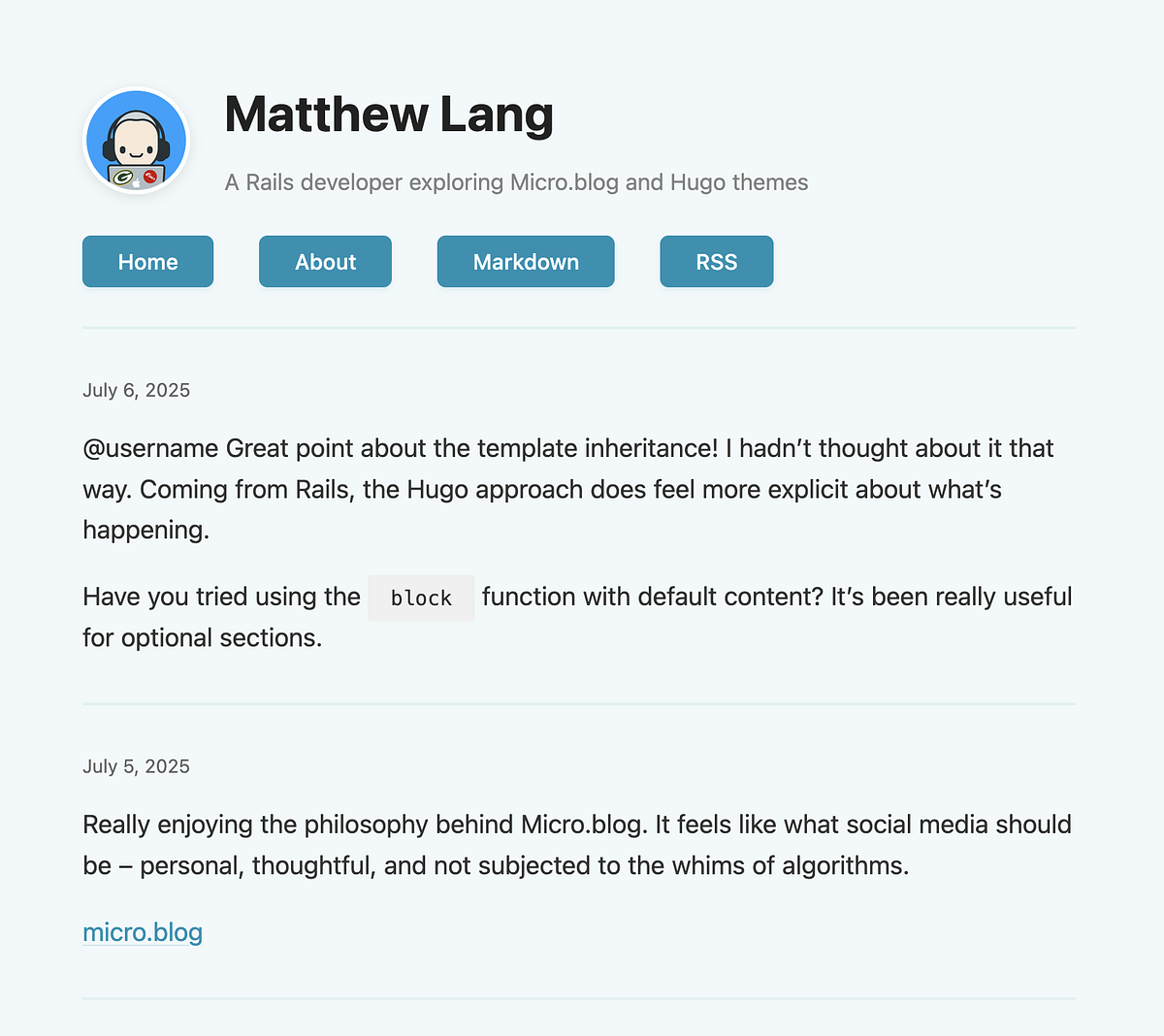
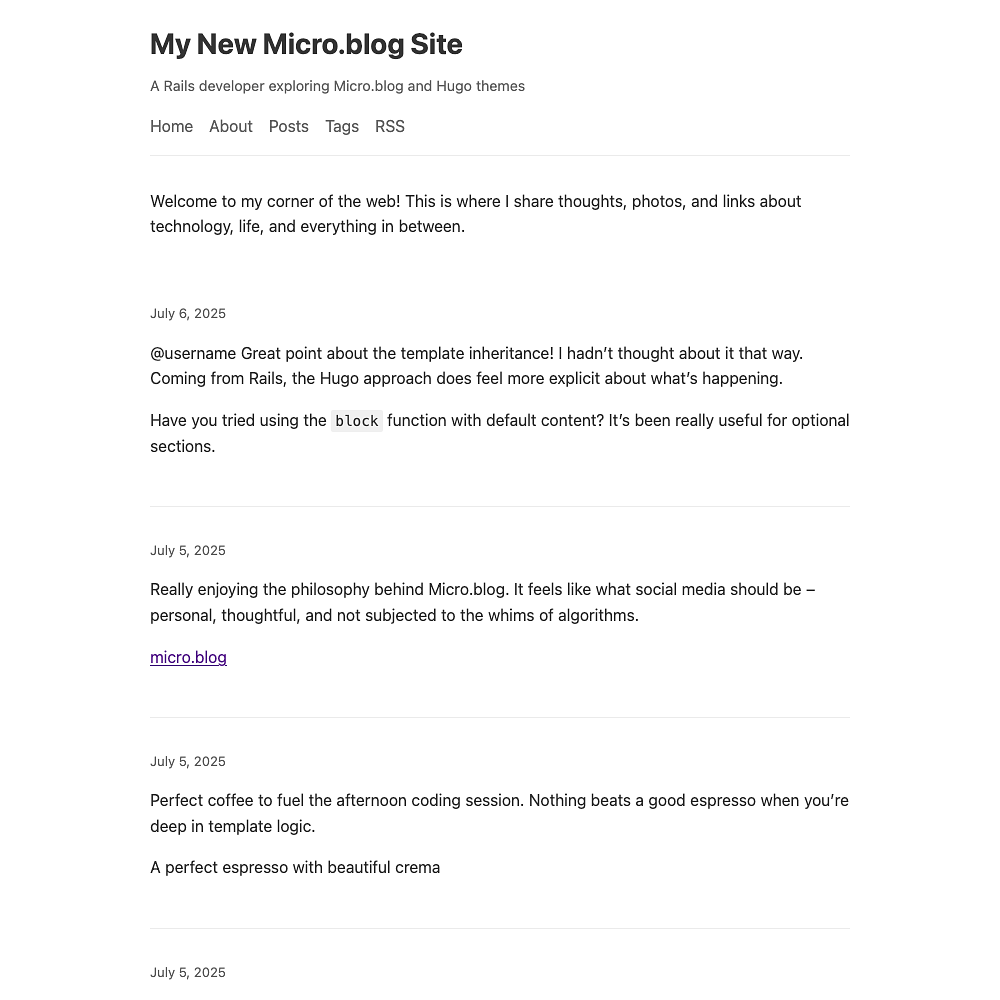
A first pass at my own Micro.blog theme. I have more CSS than I actually wanted, but making it readable with just enough CSS was the goal for today. I now need to determine what to add or edit to enable it to work with Micro.blog, so I can upload it.

A blog page features posts about technology, coding, and espresso, along with a header and navigation links.

First steps with my new Micro.blog theme

In my foolish quest to build my own Micro.blog theme, I spent some of the evening learning about Hugo and how its theming works. It is not dissimilar to Jekyll in many respects, and I think I have enough to start working on my own theme.

Initially, I’m going with a really basic theme—no colours, frameworks, or complex layouts—just a single column with basic text elements. This will allow me to see what the minimum I can get away with for my theme is. That’s the easy part.

The hard part—it’s definitely not one of my strengths—is putting together a design for a second theme. Web design is not my strong point.

I want to make something that isn’t wildly unique, but has enough to stand out from the rest of the Micro.blog themes. I might let this one simmer away for a few days and check out a few other blogs I like and see what can be done.

This weekend though, the plan is just to have a basic working theme.

The idea of building my own Micro.blog theme is still gnawing away at me. As if I don’t already have enough on my plate.

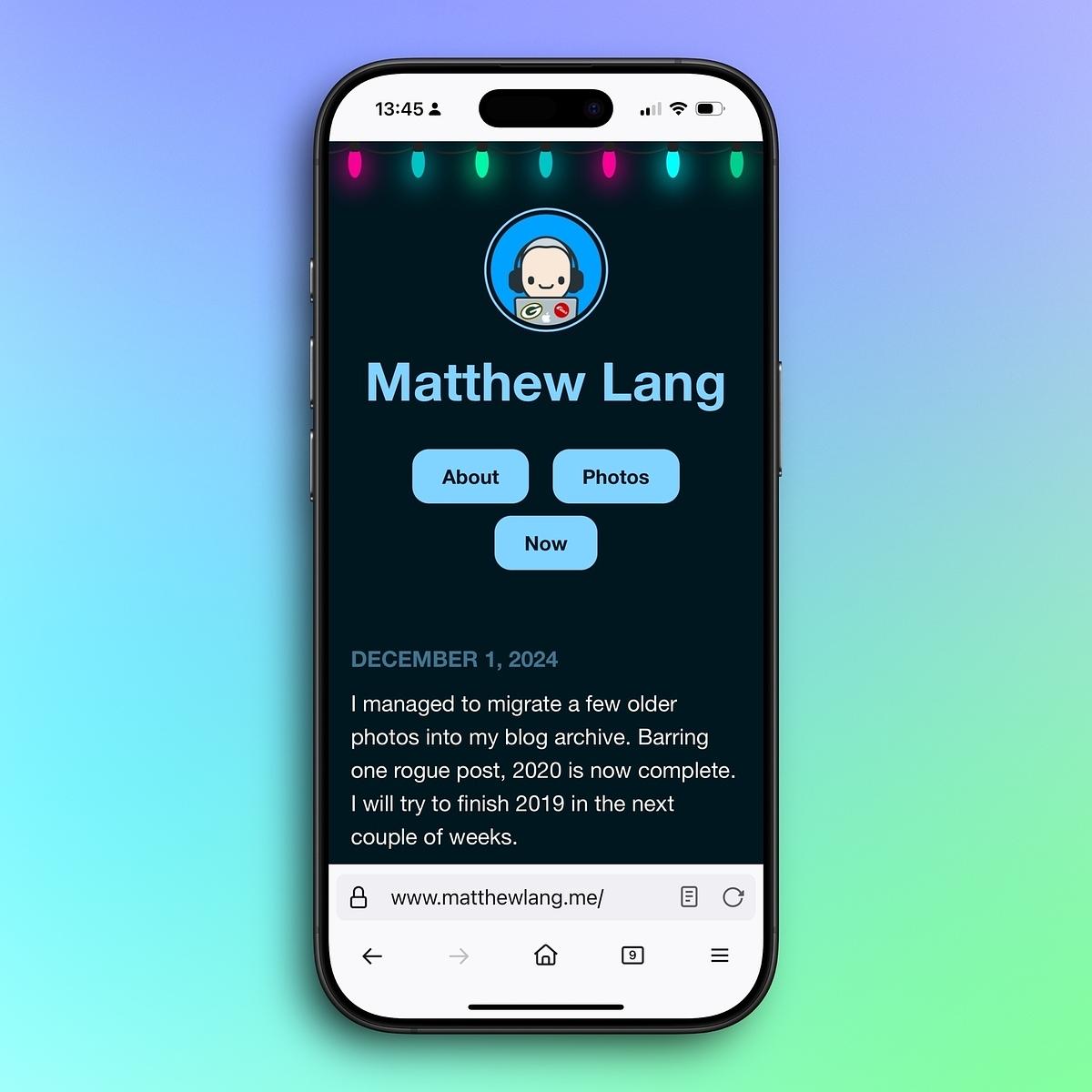
I finally sorted out a dark version of my blog.

It’s not adjustable with the system theme yet, but I liked it so much that I’ve left it on as the default.

Thanks to Toby on CodePen for sharing the Christmas lights!

A smartphone displays a website with the name "Matthew Lang," featuring links for "About" and "Photos," set against a colorful gradient background.

I made the switch over to @Mtt’s Sumo theme and already made a few wee tweaks. I’d like to see more themes like this available on Micro.blog.

Anyone have any recommendations on a Jekyll theme that would serve a similar purpose as an About.me page?

I’m looking for something like a portfolio site, but more of an emphasis on who I am, what I’m working on and where people can find me.

Themeable seasons

One thing I’ve been doing over the last couple of years is switching colours on my blogs and social media profiles according to the seasons.

Technically it’s spring in the UK although with the weather it certainly doesn’t look like it. Never mind, I’m still switching to green to mark the start of spring.

Gap in the Themes Market?

Over the last few weeks I’ve been looking at themes for Wordpress and Ghost.

Now it’s easy to say that Wordpress has a clear advantage over Ghost. It’s a CMS that’s used by millions of people all over the world. Wordpress has been around since the early days of the Internet and it’s still the goto CMS for many people and rightly so. It’s extensible, stable and has thousands of themes available for it.

The Wordpress marketplace for themes is huge. There are thousands of themes available for all different types of sites. From minimal themes for bloggers to highly customisable themes for organisation sites. There’s something for everyone.

Ghost is still relatively new when compared to Wordpress and while it is more specifically a blogging platform as opposed to a CMS like Wordpress, it’s still gathering a steady number of fans.

The Ghost marketplace for themes isn’t so big but that doesn’t mean there should be a shortage of themes.

There are a number of themes available but there’s two problems I see with most of the themes available for Ghost:

  1. Image heavy themes - It seems that most themes for Ghost see having images as a neccessity in their theme. While looking for a theme for my own blog I found it difficult to find a theme that didn’t feature a full width banner and images for every post. Their themes probably do allow imageless posts but they never show that in their previews.
  2. Out of date themes - Ghost is on version 0.11 but many of themes available are falling behind in terms of compatibility.

It seems there’s a gap in the market for Ghost themes that don’t need images everywhere and stay compatible with the latest versions of Ghost.

The number of people using Ghost isn’t in the same realms as Wordpress but I do find it much easier to use as a blogging platform. Ghost as a product is generating revenue and with an open source option available, there’s definitely a growing number of people using it.

With the right marketing a designer/developer could do well with a number of themes that focus on minimal blogging rather than images.

Say Hi to Daring

Back when my blog was running on Jekyll, I found solace in the amazing Hyde theme by Mark Otto. Simple, flexible and with a strong focus on the content of your blog.

Due to limitations with Jekyll I switched to Ghost a few months ago. So far everything is going great. The only problem is that many of the themes for Ghost focus on banner sized header and post images.

I ran with the Casper theme from Ghost for a few months. I like the typographical elements of the theme but I dislike the massive banner images for it. I needed a change.

Using Mark Otto’s Poole base theme for Jekyll as a starting point, I started building a theme for my blog. The one constraint to the theme I wanted is that it shouldn’t use any banner images for any part of the theme.

A few hours later and I have the beginning of a new theme for Ghost.

It’s been a while since I flexed my creative cogs. Even though this was just a few hours work, it’s still a great feeling being able to ship something. Even if it is just aa theme for my own blog.

The Daring theme for Ghost is available on Github.