
I cancelled my Setapp subscription today. I’m only using a handful of apps from this, and I know it would be cheaper for me to use alternatives.
Spent most of the afternoon finalising some changes for my Rails app for posting to my Jekyll blog. It needs a few more tweaks before I open source the application, but it now allows me to log in on multiple devices, which means you might see more of my posts soon.
I finished watching the first season of Amazon’s Rings of Power this afternoon. I enjoyed it, but I did find it a tad slow.
With Ethan playing the last round of a competition at Longniddry Golf Club today, Jen, Drew, and I decided to wander around the surrounding area.
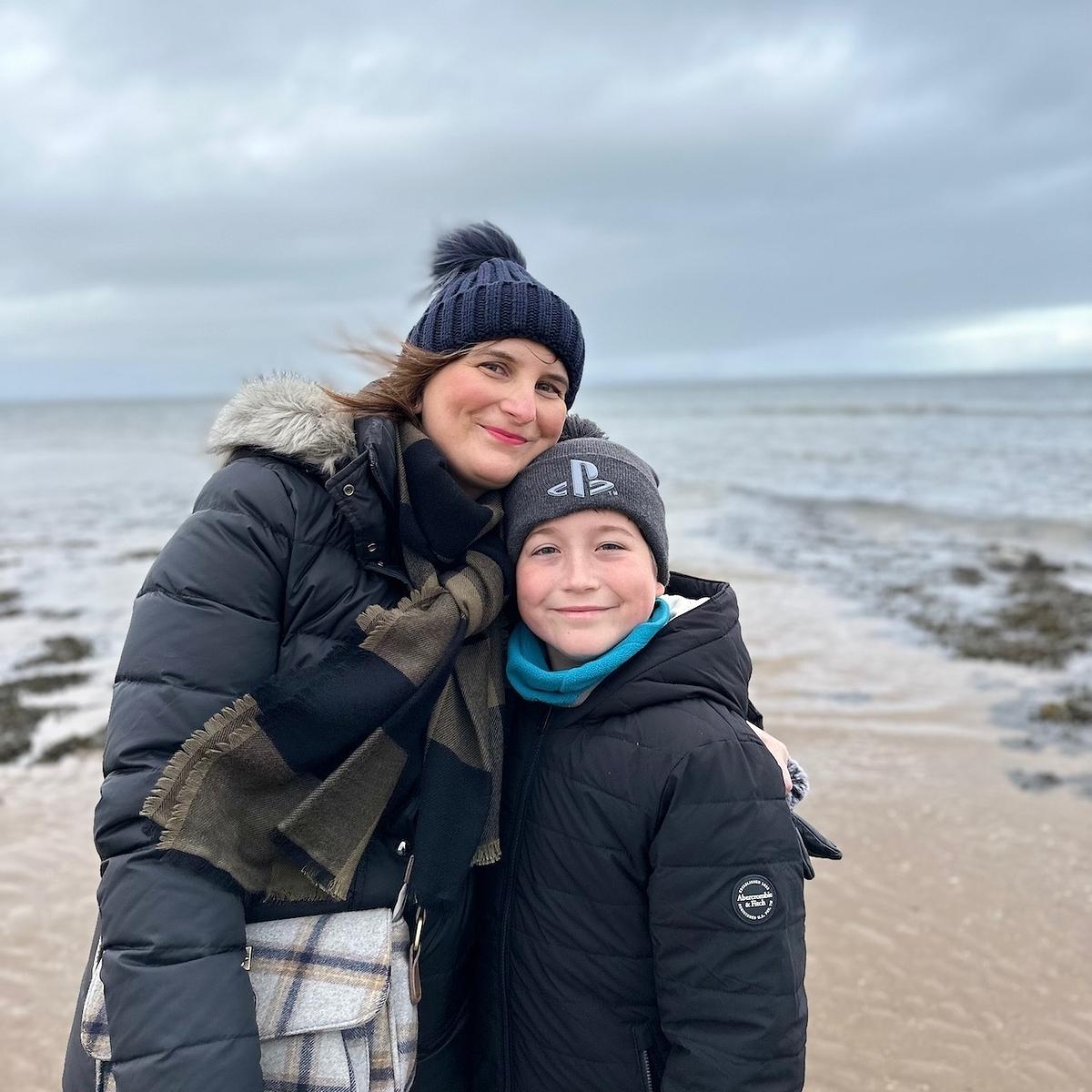
We had already planned to take a walk along Longniddry Bents. Despite the usual grey weather that Scotland is famous for, the walk along the beach was great. We then headed into Cockenzie and Port Seton, but with little to do there, we had a look to see what was nearby.
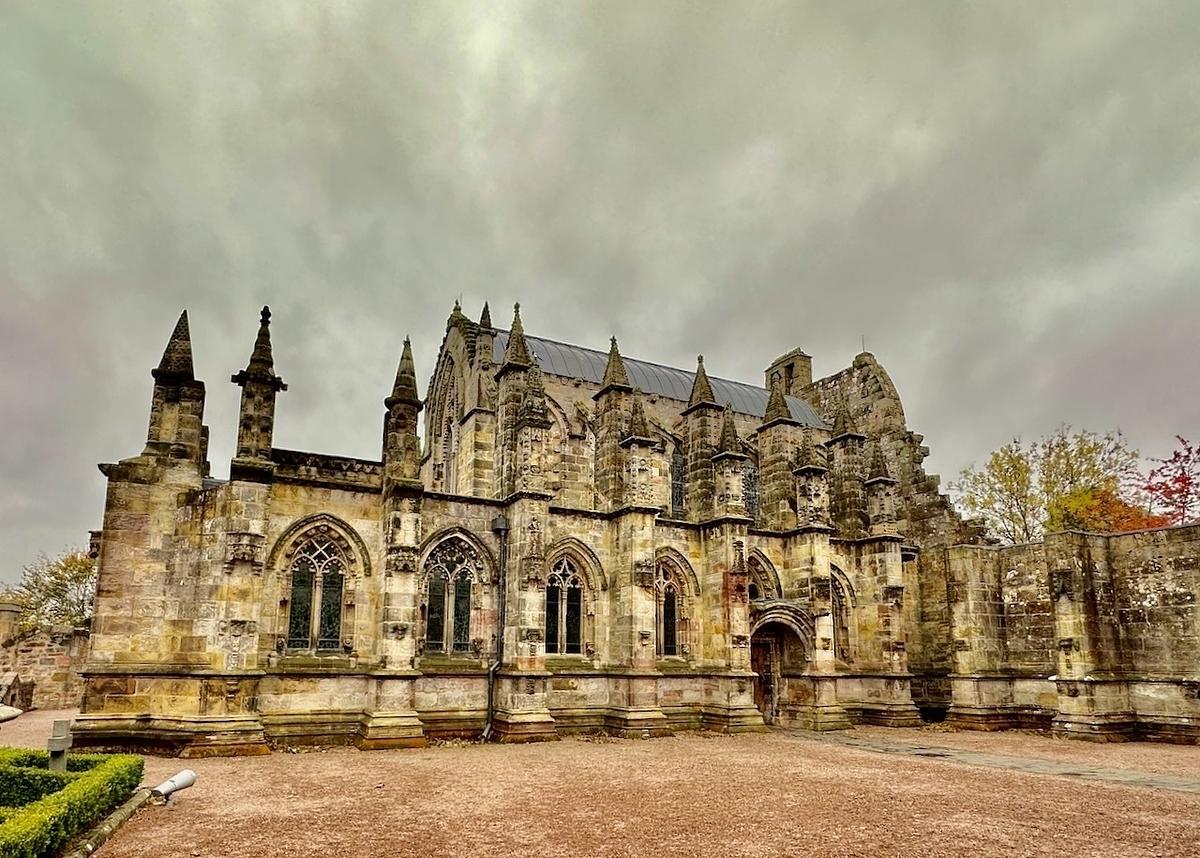
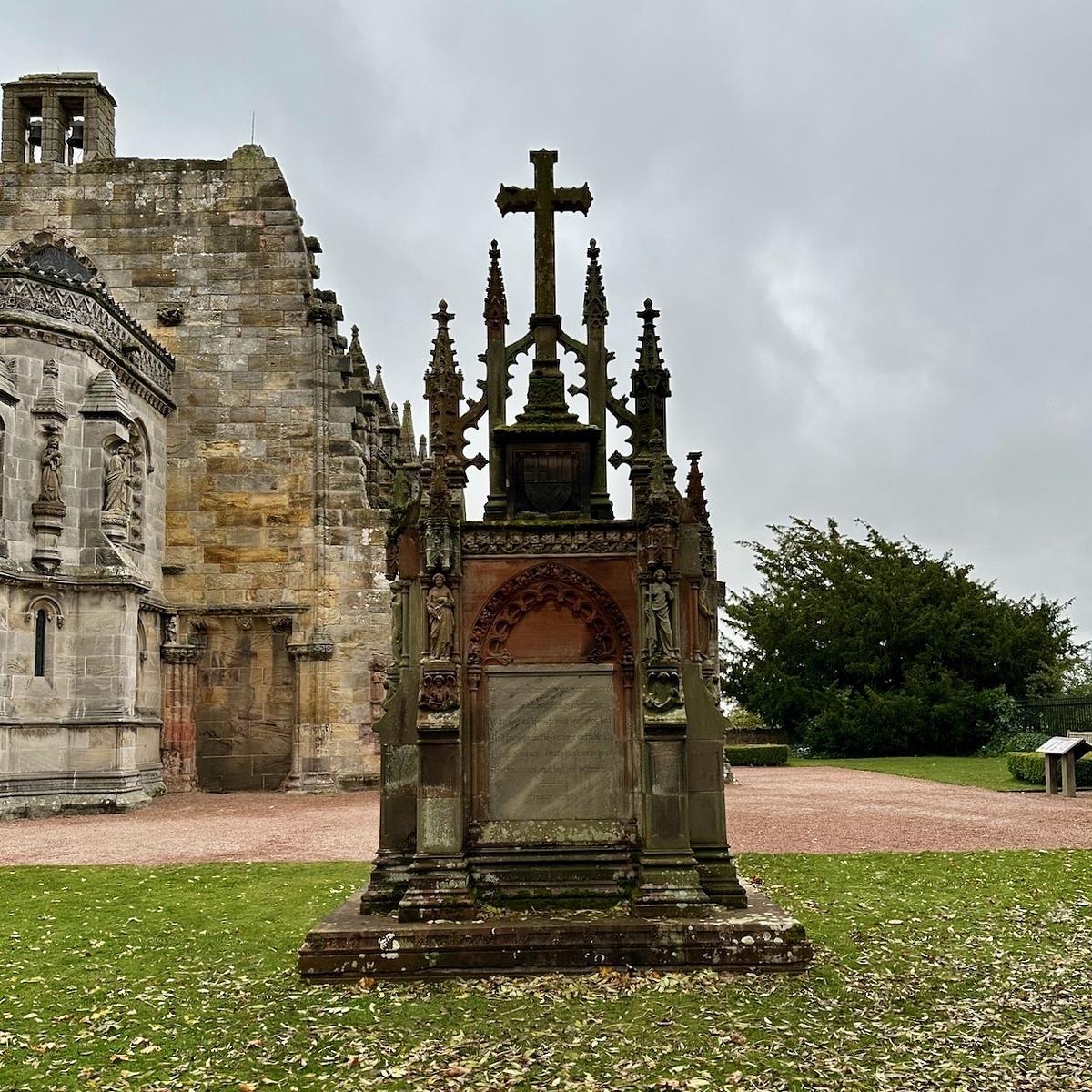
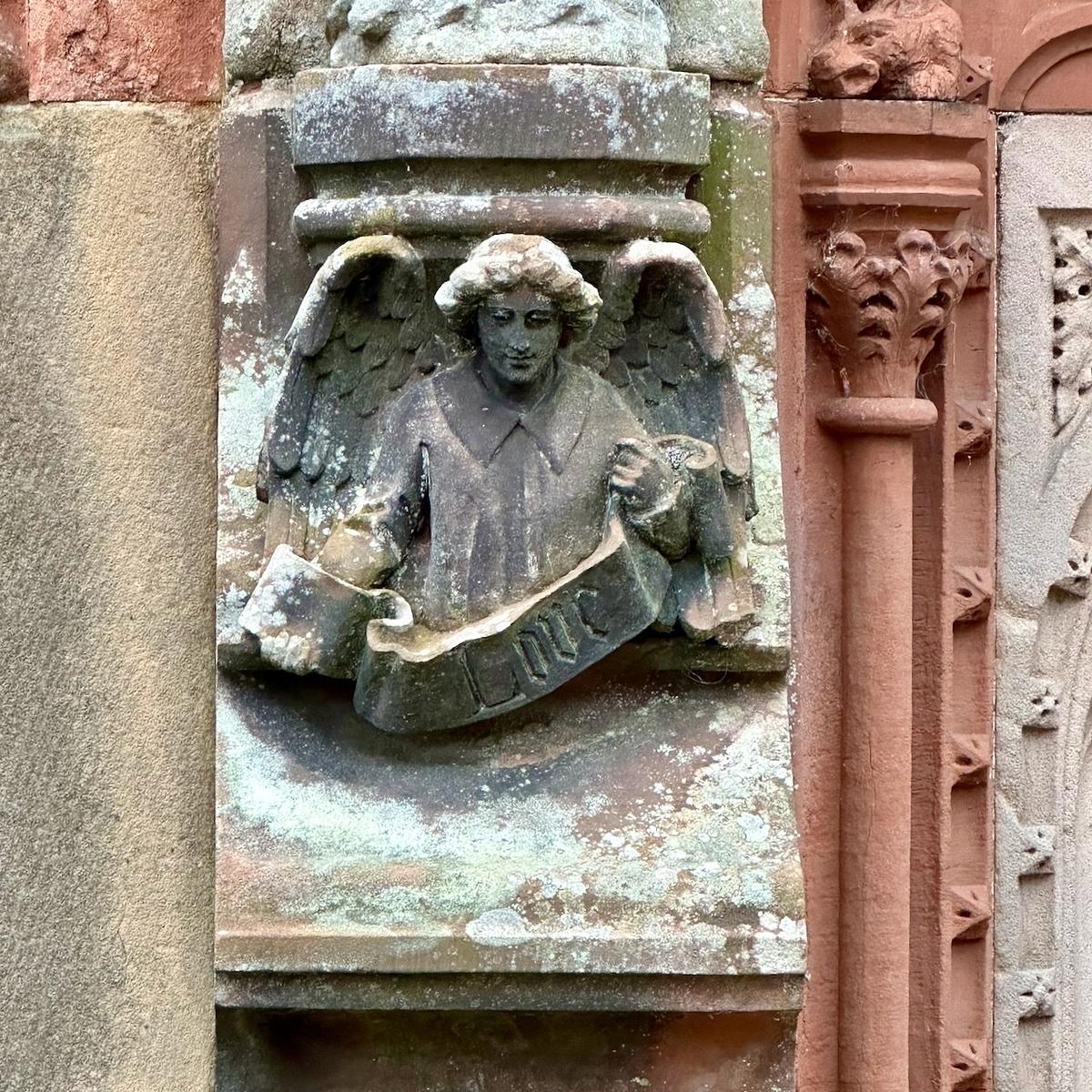
We decided to head there because Rosslyn Chapel was just a half hour away. We were a few minutes late for the tour’s start, which allowed us to take some great pictures of the outside of the chapel while everyone was inside getting the guided tour. The inside of the chapel was just as beautiful as the outside. Particularly the Apprentice Pillar and the many carvings on the pillars and arches inside the chapel.
All in all, it was a pretty great day.
I am trying out something new this morning. I built a small Rails app that streamlines the posting process to my blog. It automates most of the process and only requires the post content itself. If it’s working, you should see this post!
Trailer: The Last of Us
My “must watch” for 2023.
It’s great to finally see a trailer for The Last of Us, which features all the characters and locations from the game.
I must admit, I had goosebumps when it came to the clip of the skyscrapers in Boston.
Also, the clickers look fantastic and a bit different from the usual post-apocalyptic worlds we’ve seen in other films and television shows.
I just found out today that you can email your journal entries to Day One. Game changer!
Lego Marvel Venom with Light Kit
A couple of weeks ago Drew bought this Lego Marvel Venom set. We decided to try out the additional light kit for it from Light My Bricks.
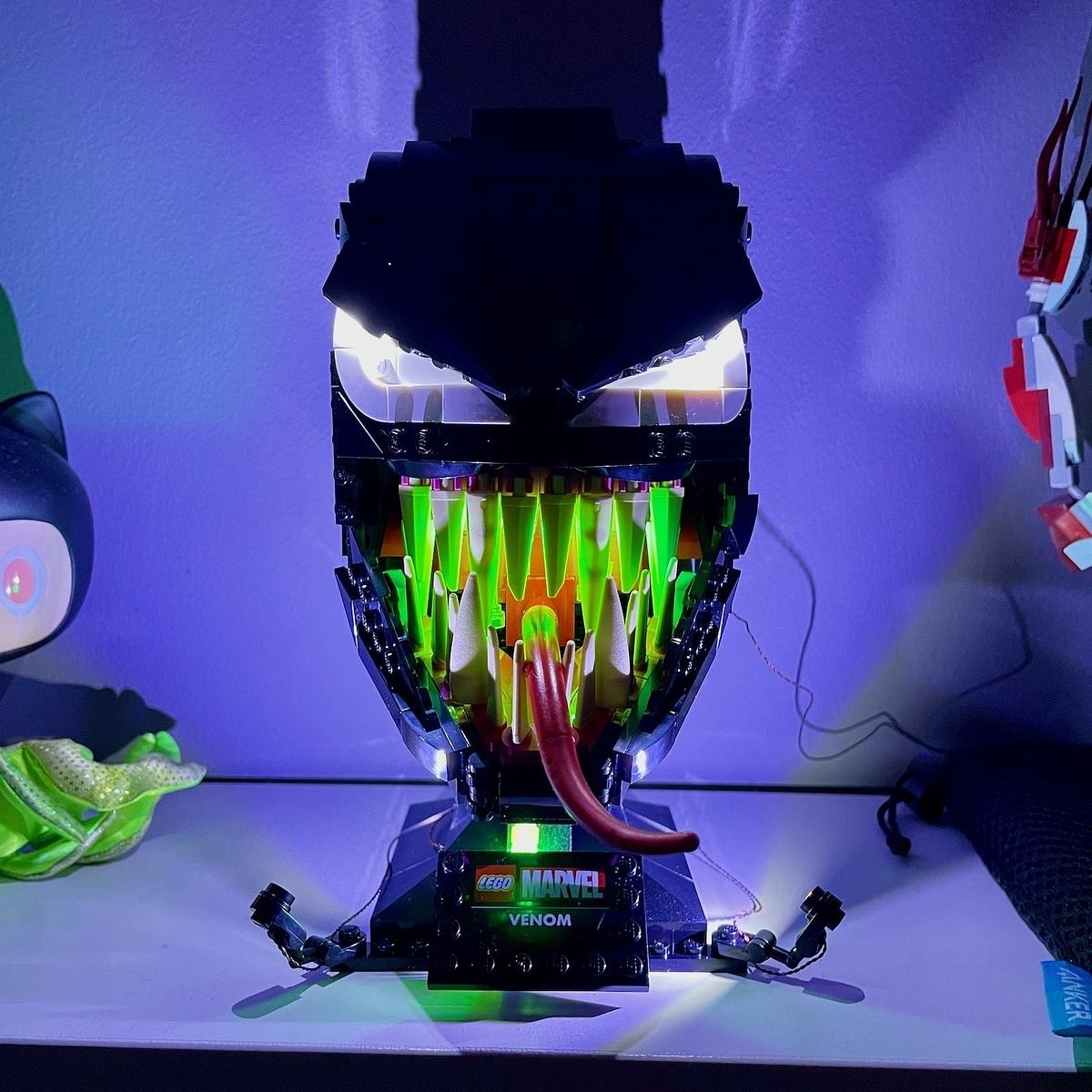
I have to say, the final result looks pretty good. The LEDs and wires fitted into the build nicely, although the green LEDs that go in behind the Venom’s teeth were a bit of a pain to fit and to stay in place.
Unbeknownst to Drew, he’s got a another light kit heading his way for Christmas which will be for the Lego DC Batman head we’ve bought him. I’m looking forward to seeing how that one turns out.
Astronomy Photographer of the Year 2022
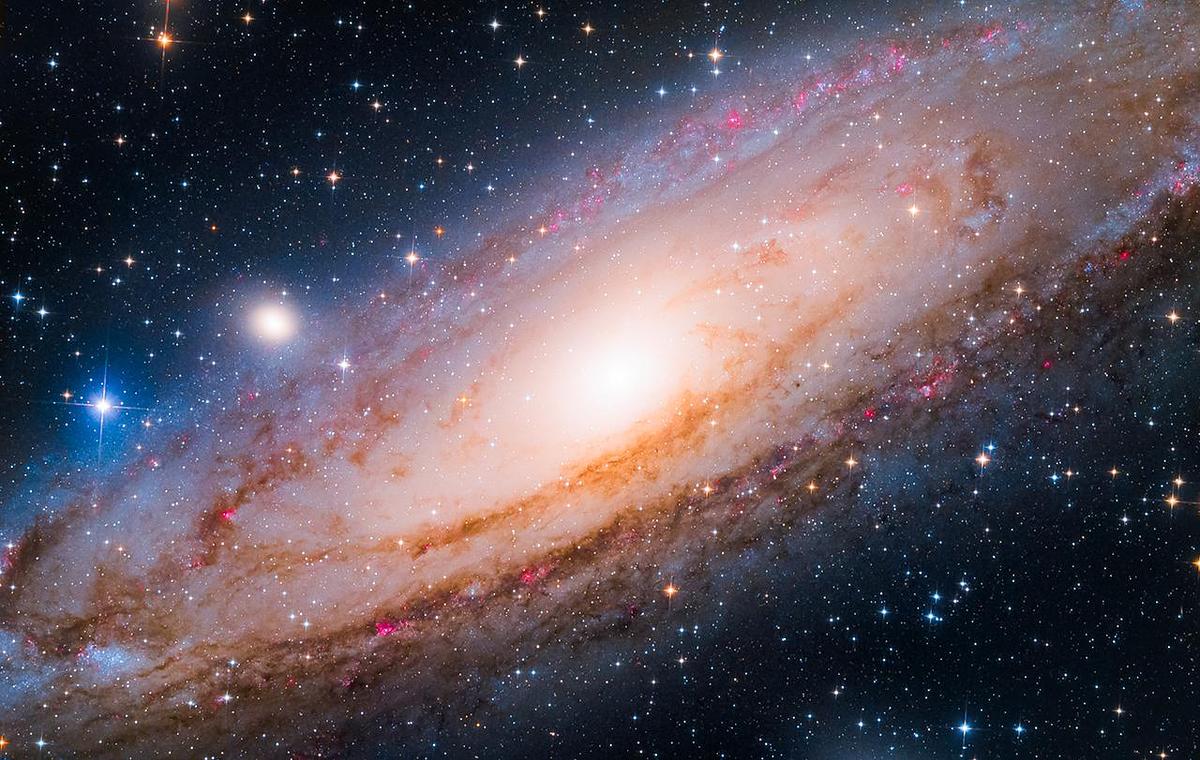
I’m a sucker for all things space, even more so when it comes to anything that allows us to see what’s in space. Hence the Astronomy Photographer of the Year competition is something I look forward to every year.
The Andromeda galaxy captured by Yang Hanwen and Zhou Zezhen which won Young Astronomy Photographer of the Year, is one of my favourites of this year’s winners.
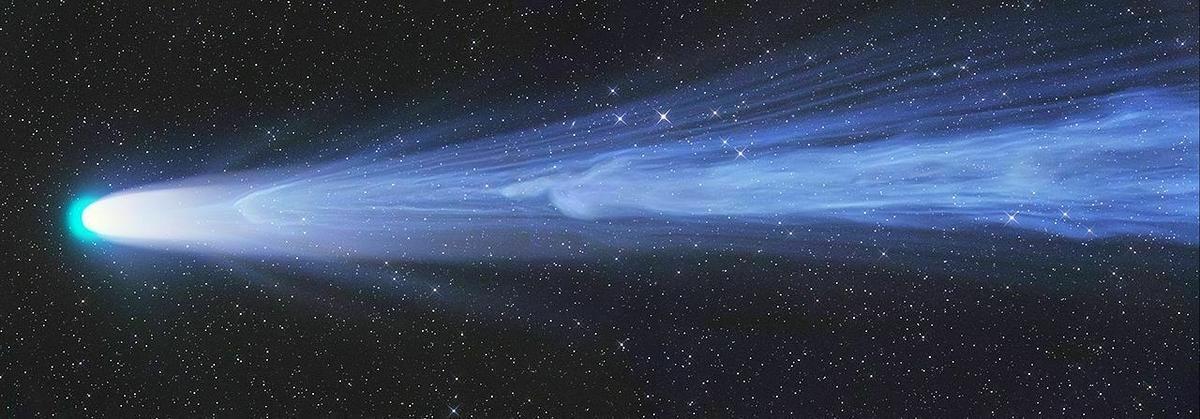
The overall winner though was Gerlad Rhemann’s image of Comet Leonard which was taken on Christmas Day of last year. It captures the point when a piece of the comet’s tail becomes seperated due to high velocity solar particles.
I quite like these AirTag strap mounts from ElevationLab. Good for mounting an AirTag on all types of items. I particularly like the idea of putting one on my trusty YNOT backpack.