Matthew Lang avatar

Analog

Notebooks, pens, and the pleasure of working away from a screen.

Digital wandering

Every few months, I start to question the tools and processes I use to build a couple of side projects. It invariably stems from at least one of the following questions:

  • Is there a better way of doing this?
  • Are there better tools than the ones I am currently using?
  • Will I be better off with these new tools?

What follows is a process that leads me right back to the very beginning. I view it as a curse, and it is in a never-ending loop.

Here’s how it works.

I am wondering if the processes that I am using are working for me. This usually happens between tasks when I think something isn’t quite right. I might have dropped the ball on something, or I haven’t checked in on some code I’ve been writing for a few days. Simply put, I have lost my place. It’s at this point that I start to wonder if there are better tools or apps I could be using.

A few days go by as a gremlin sits in the back of my brain, rewiring my thoughts in favour of how a shiny new tool would solve my woes. After a week, I start to look at different apps and products that will get the job done better. After a couple of weeks, I sign up for one or two apps I may or may not have used before and start trying them out alongside my existing processes. After another week, I conclude that these apps are not going to work for me and delete their accounts.

I then go back to my original tools and find the fault is actually me, not what I am using.

A few weeks later, and the whole process starts again.

So what gives? Why do I put myself through the cycle of doubt and time-wasting?

Reading back what I just wrote at the start of this post, it’s clear that even the slightest break in the routine of progress has me questioning what I use and how I use it. And to be honest, that break in routine is usually me procrastinating or external factors breaking my planned time on something.

I’m sure I’m not alone in this cycle, and it was probably more of a thing back in the day, when we had a new todo app or task manager released every month, and everyone wanted to use the latest and greatest app, but didn’t really know why.

Over the past five years, I can count on both hands the number of times I have tried Todoist and Basecamp in vain attempts to find that golden feature I have missed. I know full well it’s not there, but clicking about through the apps is probably the one highlight from this cycle.

It’s taken me many cycles to get to where I am with the tools I use for web development and writing, too. Many subscriptions to different products and apps, and what has this many years of digital wandering taught me?

It’s the analogue tools that keep sticking. The notebook, the pens, the index cards. Despite all the technological advancements, and with the age of artificial intelligence and LLMs marking a major change in the world, I still fall back on my trusty notebooks. I think for me, they’re more robust than digital tools; they have an offline mode and, finally, they’re a damn sight more interesting to look at than a screen.

Don’t get me wrong, I still use several tools and apps to support my web development, where a notebook can’t be used. I use issue-tracking software to manage a backlog of features and bugs. I use LLMs to act as pairing buddies when working on features. I have digital tools that have their place, and analogue tools that have theirs.

I think I’ve finally found the balance between the two, and I should accept that this works.
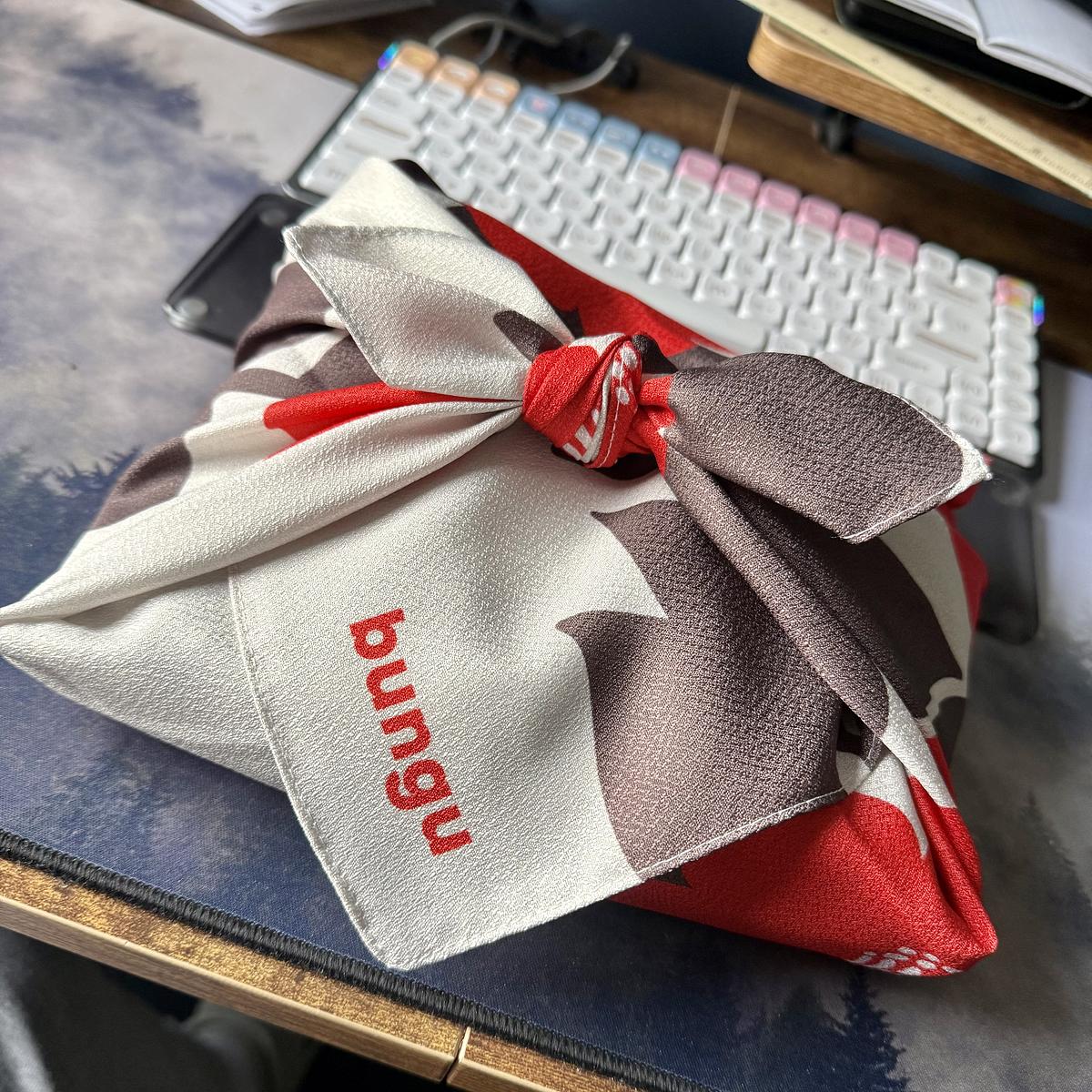
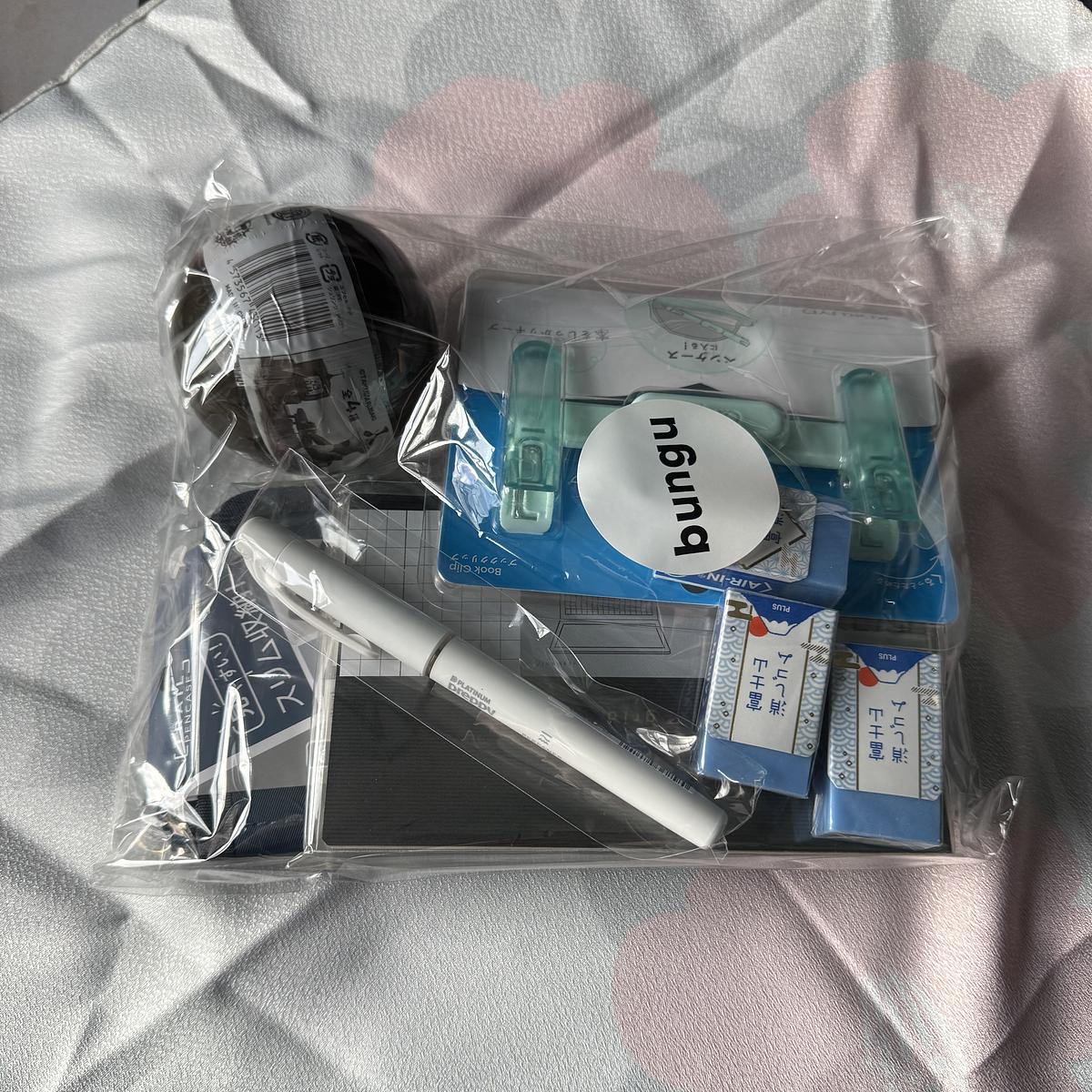
Jen put me on to a Japanese stationery store called Bungu, which came up in her Instagram feed. I ordered a variety of things to try out, as well as a couple of things for Drew. It arrived this morning, with the items wrapped in new cloth. Very fancy. Will write more about the contents later.

A furoshiki-style cloth wrapping in white, red, and brown with the text "bungu" printed in red, tied in a knot on a desk next to a white mechanical keyboard and smartphone.

A clear plastic bag of Japanese stationery items labelled "bungu," containing various office supplies including pens, erasers (PLUS brand), a book clip, washi tape, and other writing accessories, displayed on a light fabric surface.

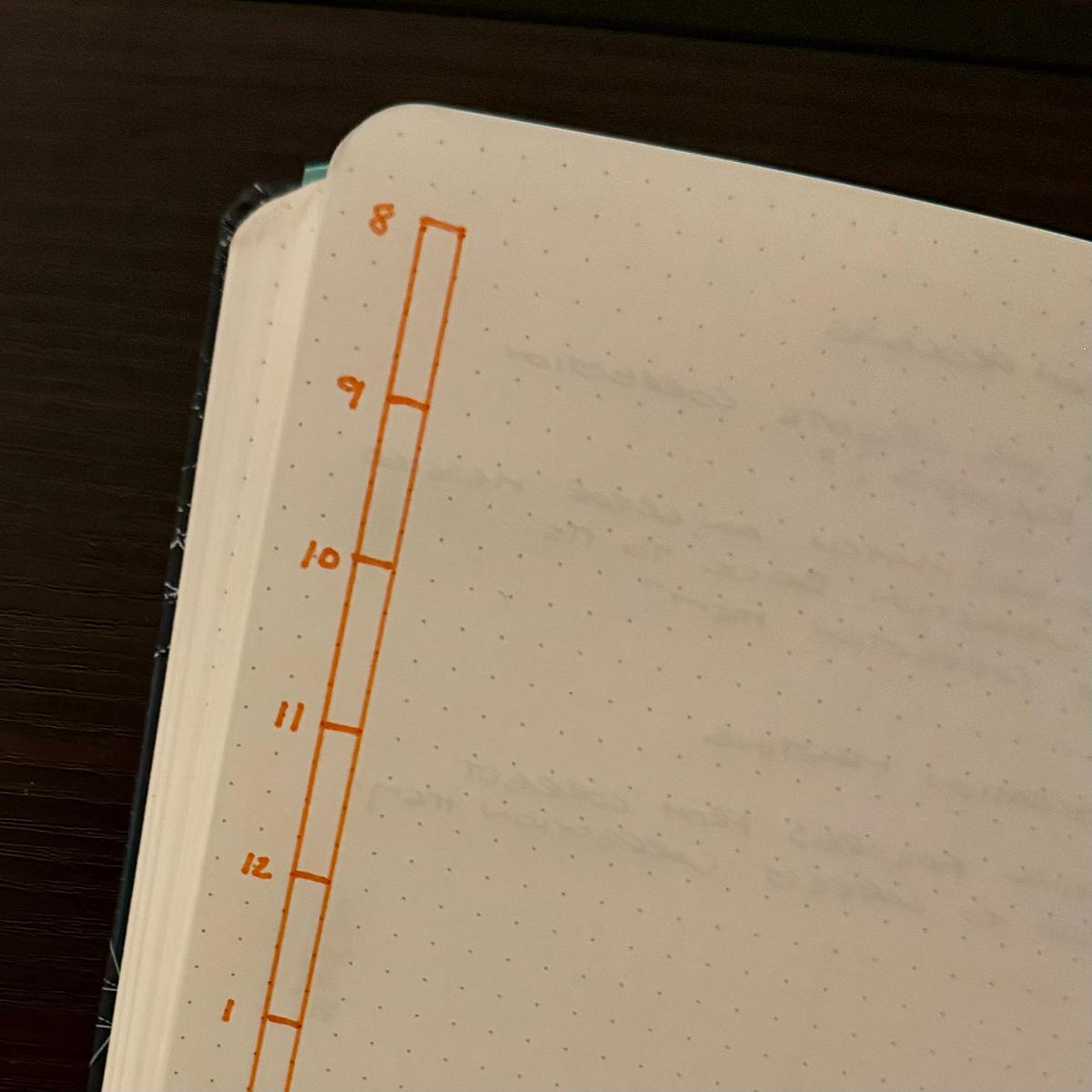
Using the daily plan bar again

For the last few weeks, I’ve been using Mike Rohde’s daily plan bar for my work notebook.

Initially, I started using a weekly plan bar over a year ago. Still, in the last few weeks, I’ve needed to tie my notes to that same day, so I’ve started using the daily plan bar again.

Auto-generated description: A dotted notebook shows a vertical timeline numbered from 8 to 1 on the left side in orange ink.

Nothing fancy, just a bar representing my day, split into 15-minute segments going from my usual hours of 8 to 5. If I am starting earlier in the day, it can go from 7 to 4 instead.

My daily plan bar is always on the left-hand side of the left-hand page of my notebook. The rest of the two-page spread is for notes and anything else that comes up that day.

It’s been a good change moving to the daily plan bar. Scoping out my day is much easier, and adding last-minute meetings and changes is easy.

In the future, I may reduce the bar to just eight hours and use the extra space for a single goal for the day.

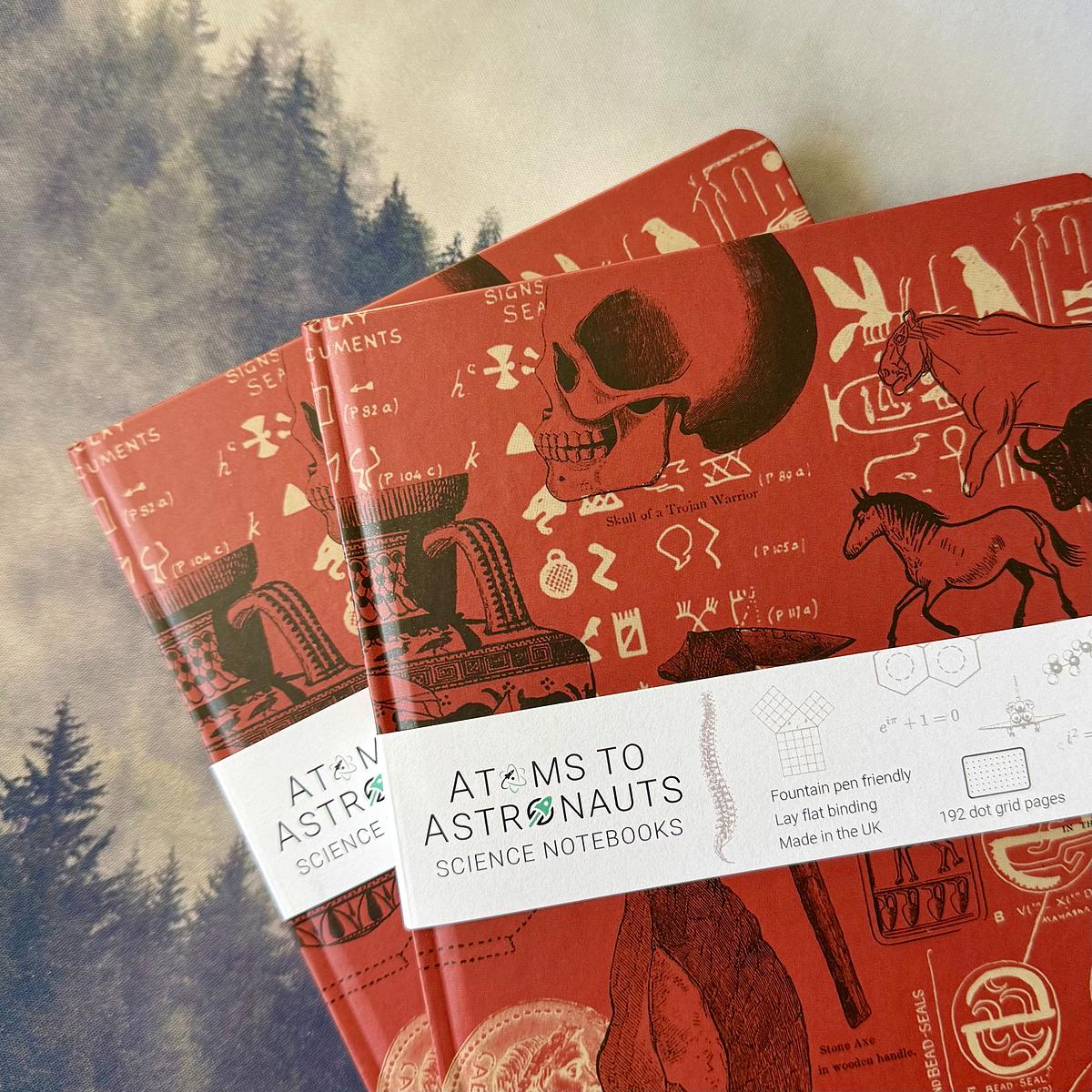
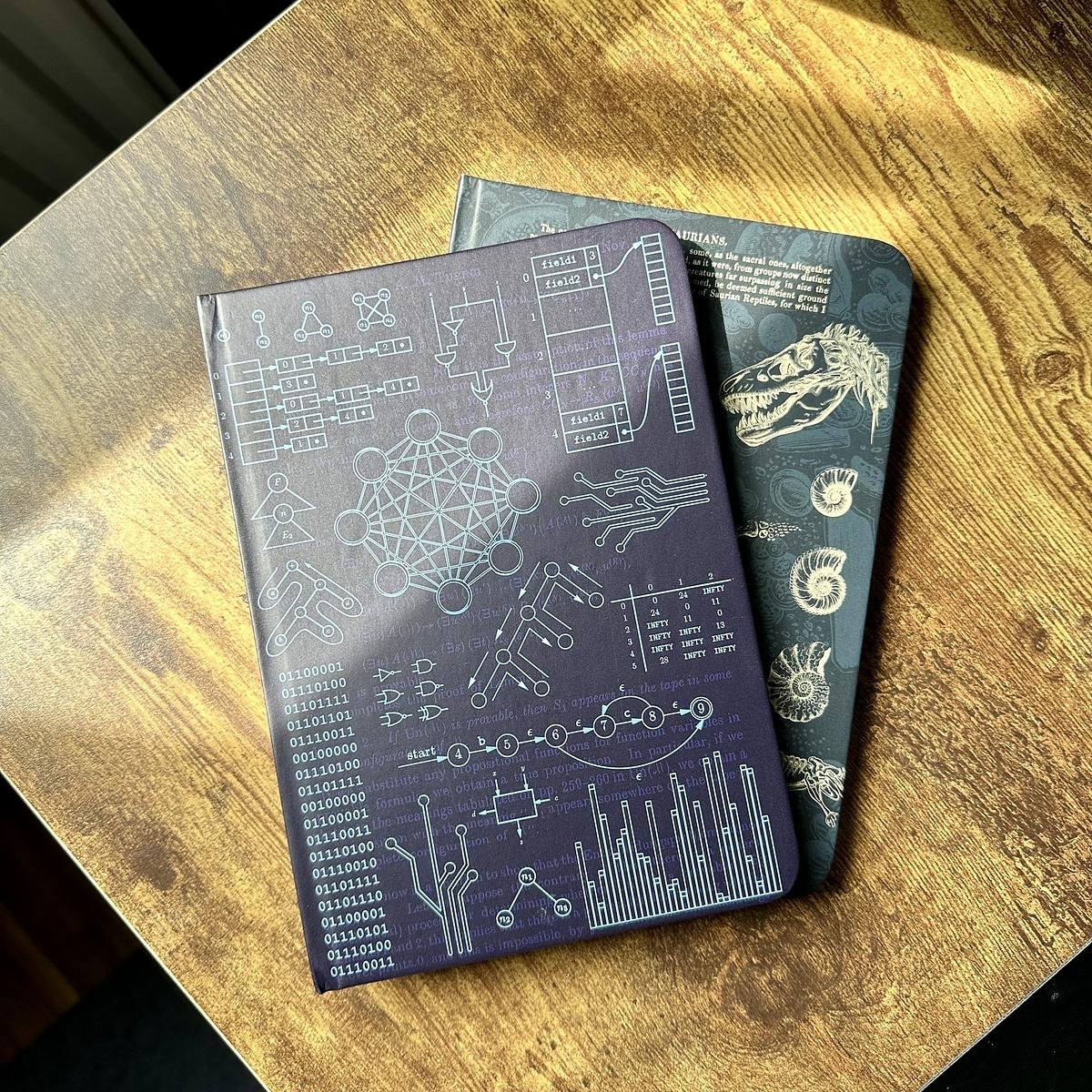
I ordered two of the new Archaeology notebooks from Atoms to Astronauts and they arrived in the post today.

Nice to have a different colour from my usual collection of blue and green notebooks.

Two science-themed notebooks with red covers featuring illustrations of skulls, ancient symbols, and mathematical equations.

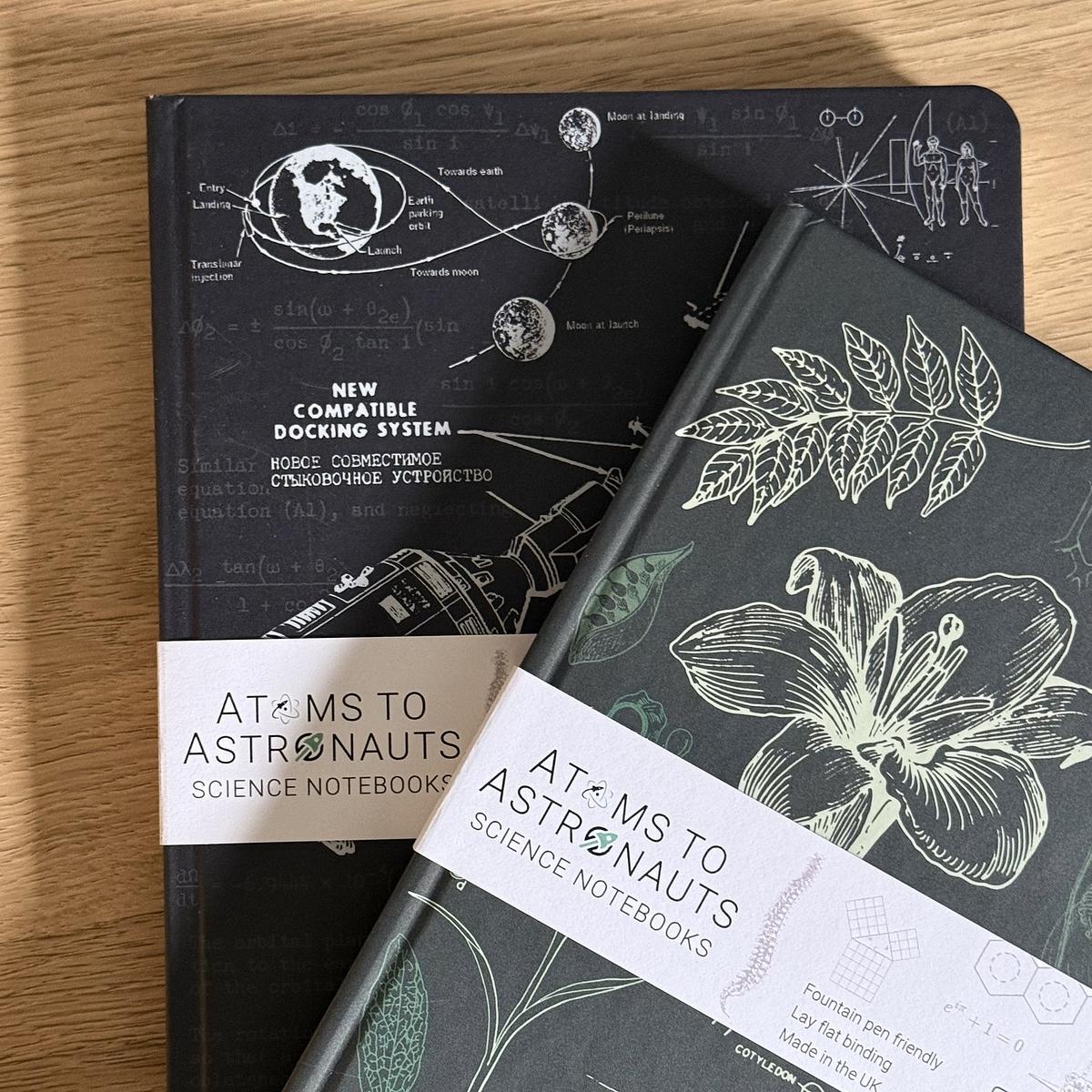
Another couple of Atoms to Astronauts notebooks arrived in the post this morning.

I’m going through these at quite a pace but they’re an absolute joy to use. I try and grab a couple at a time when there’s a sale on for them.

Two science-themed notebooks are displayed on a wooden surface, featuring intricate scientific and botanical designs on their covers.

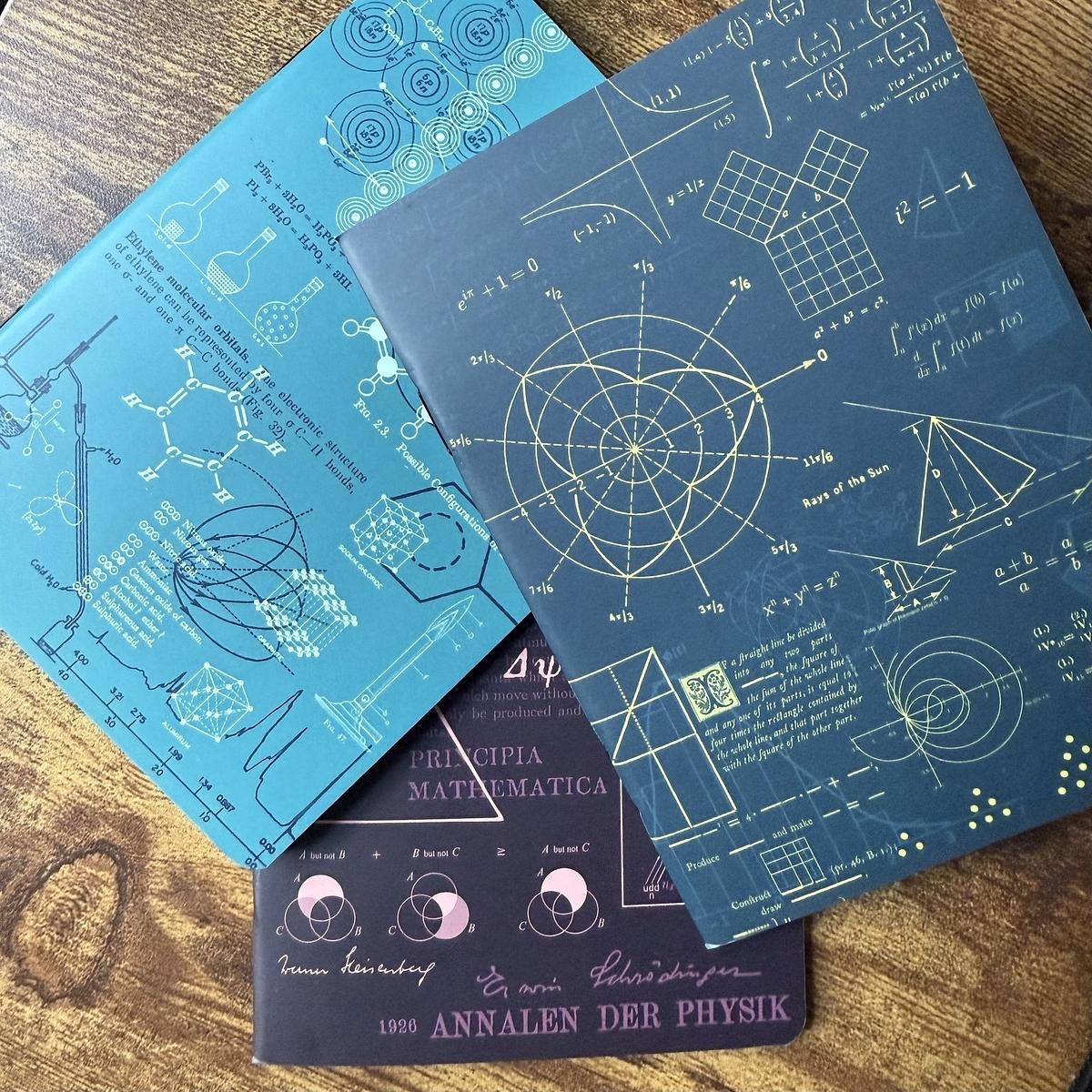
Picked up these A6 notebooks that Atoms To Astronauts were selling. This set of notebooks comprises of covers from maths, chemistry and physics.

Just 48 pages in each notebook, which I didn’t think was a lot, but it’s the same as a standard Field Notes notebook.

Three scientific-themed notebooks feature mathematical equations, geometry, and scientific diagrams on their covers.

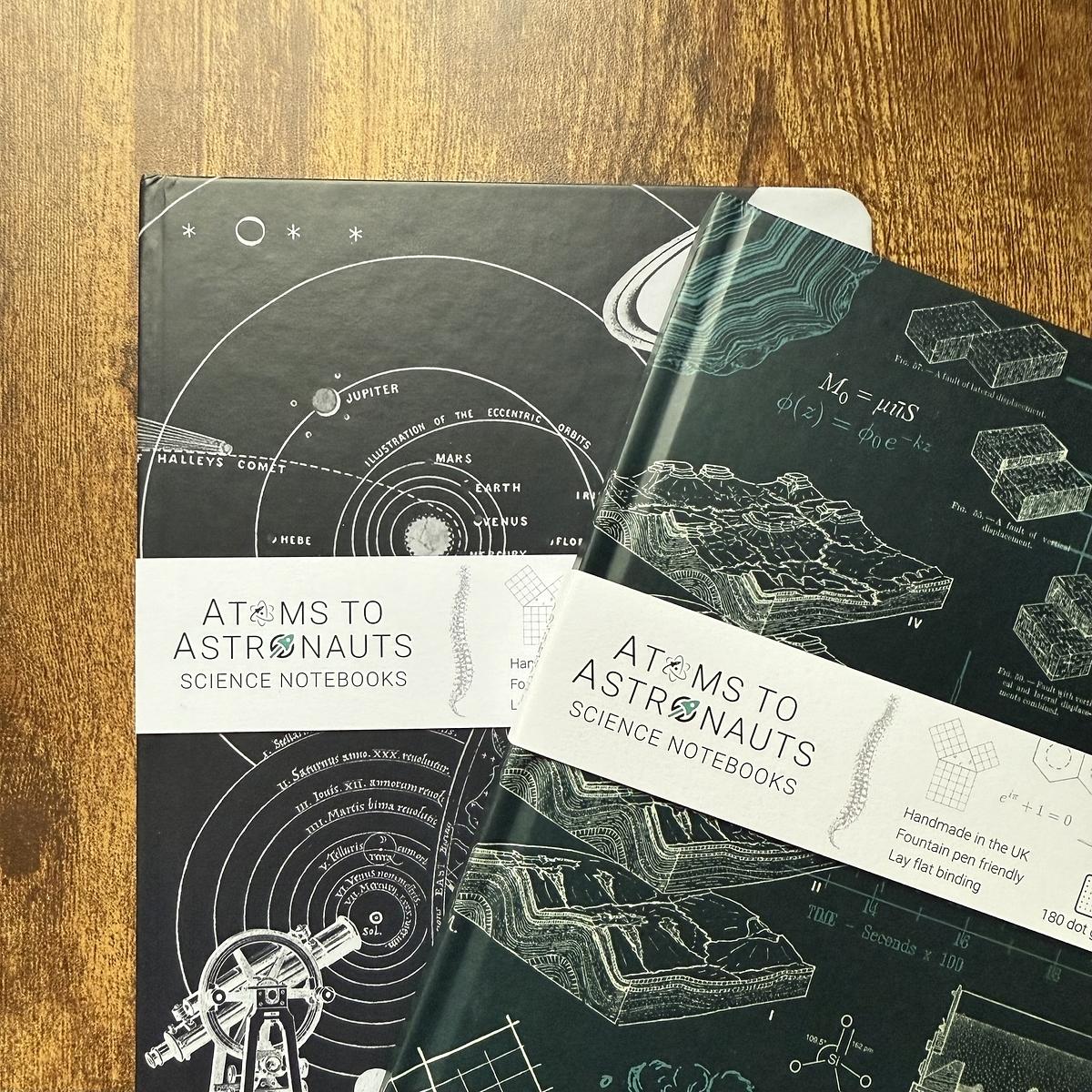
Picked up a couple more of these notebooks from Atoms to Astronauts.

Good quality paper and the covers are superb. Picked up the astronomy and geology notebooks this time.

They’re catching on in the Lang household as my youngest asked for a couple as well.

Two science-themed notebooks, one featuring a geological design and the other with planetary orbits, are titled "Atoms to Astronauts Science Notebooks."

I see Paper Apps at the top of Hacker News (snapshot courtesy of the HN snapshot tool). I’m sure this has been posted to Hacker News before, but I’m glad to see it surface again.

As much as I love paper and pen, web versions of these apps would be good, but I can see the appeal of the notepads.

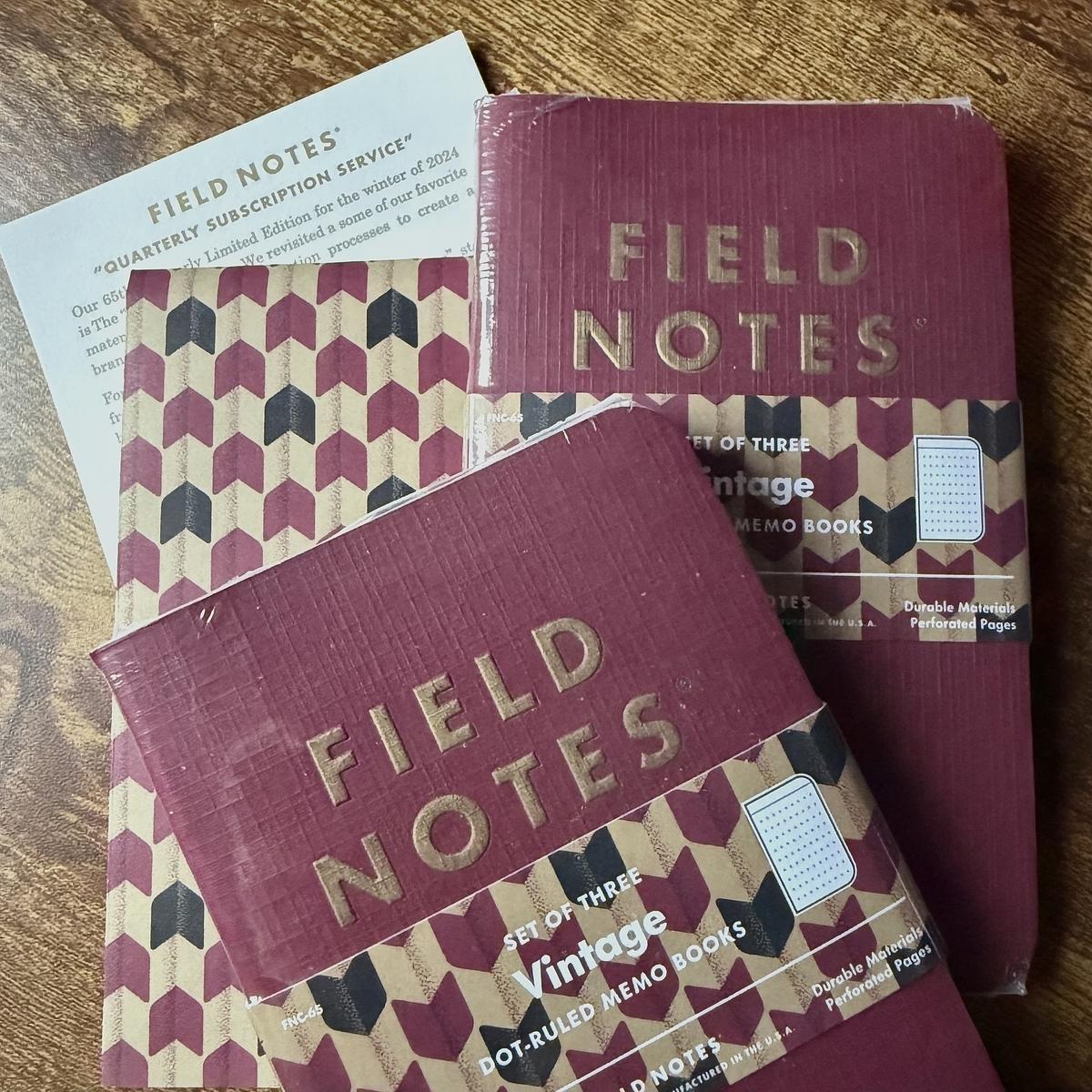
My quarterly Field Notes subscription arrived today. This “Vintage” edition is rather regal, with a deep red cover and gold ink.

As always, my wife quickly nabbed the Field Notes pen for herself. She keeps a little stash of them for work. 🙂

Several Field Notes memo books featuring vintage designs are placed on a wooden surface.

This morning, I received a nice little haul from Field Notes. A few items I saw in a recent sale.

Three spiral-bound Field Notes notebooks and a pencil case rest on top of a cardboard box.

Managed to snag a couple of notebooks from Atoms to Astronauts. These were discounted as they had “build imperfections” but I can’t tell the difference from the first notebook I got from them.

Two notebooks on a desk

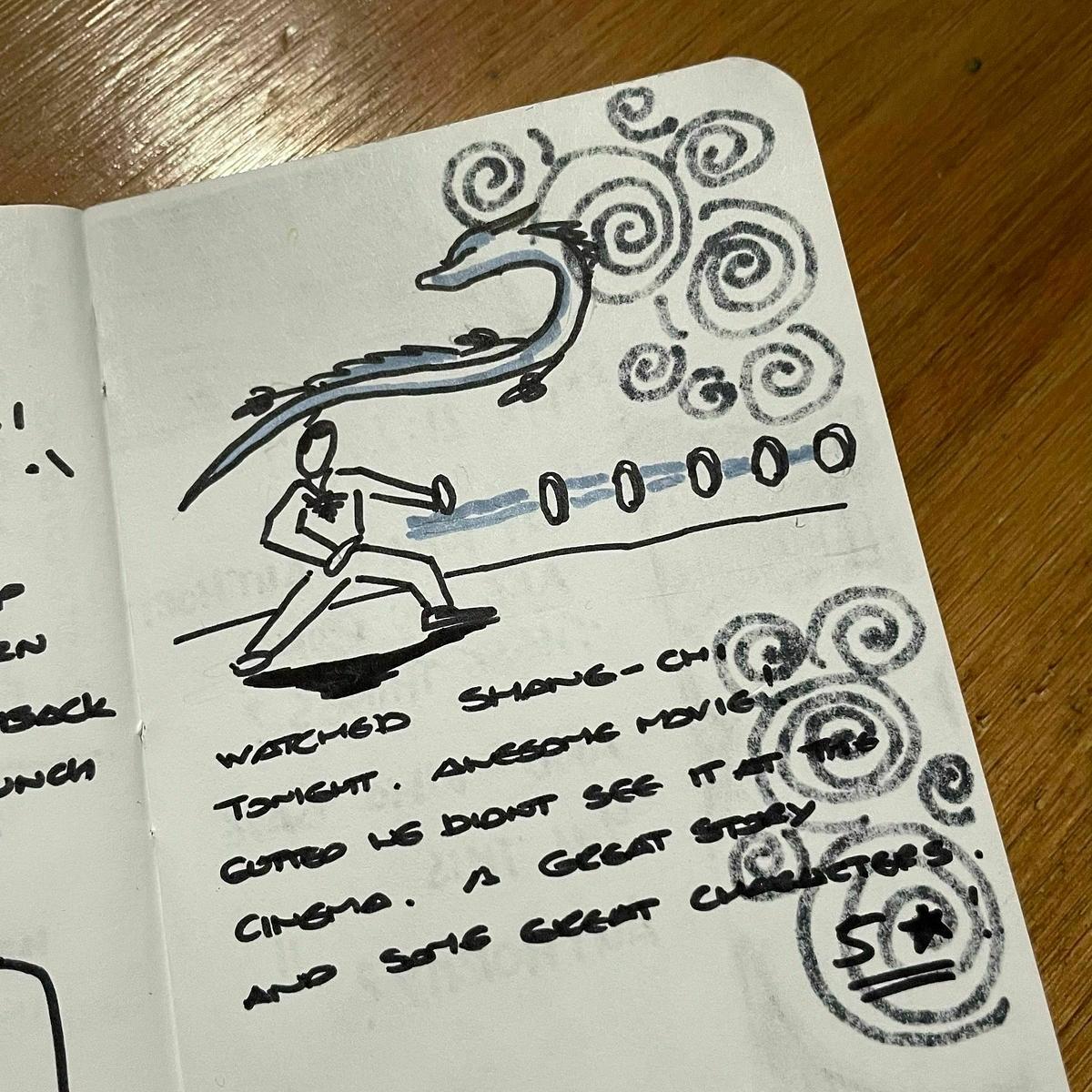
After a few minutes of keeping a log in Obsidian for my work day, I’ve decided to switch back to bullet journaling. I find it a lot easier to keep a bullet journal updated. Also, it’s a welcome break from the screen for my eyes.

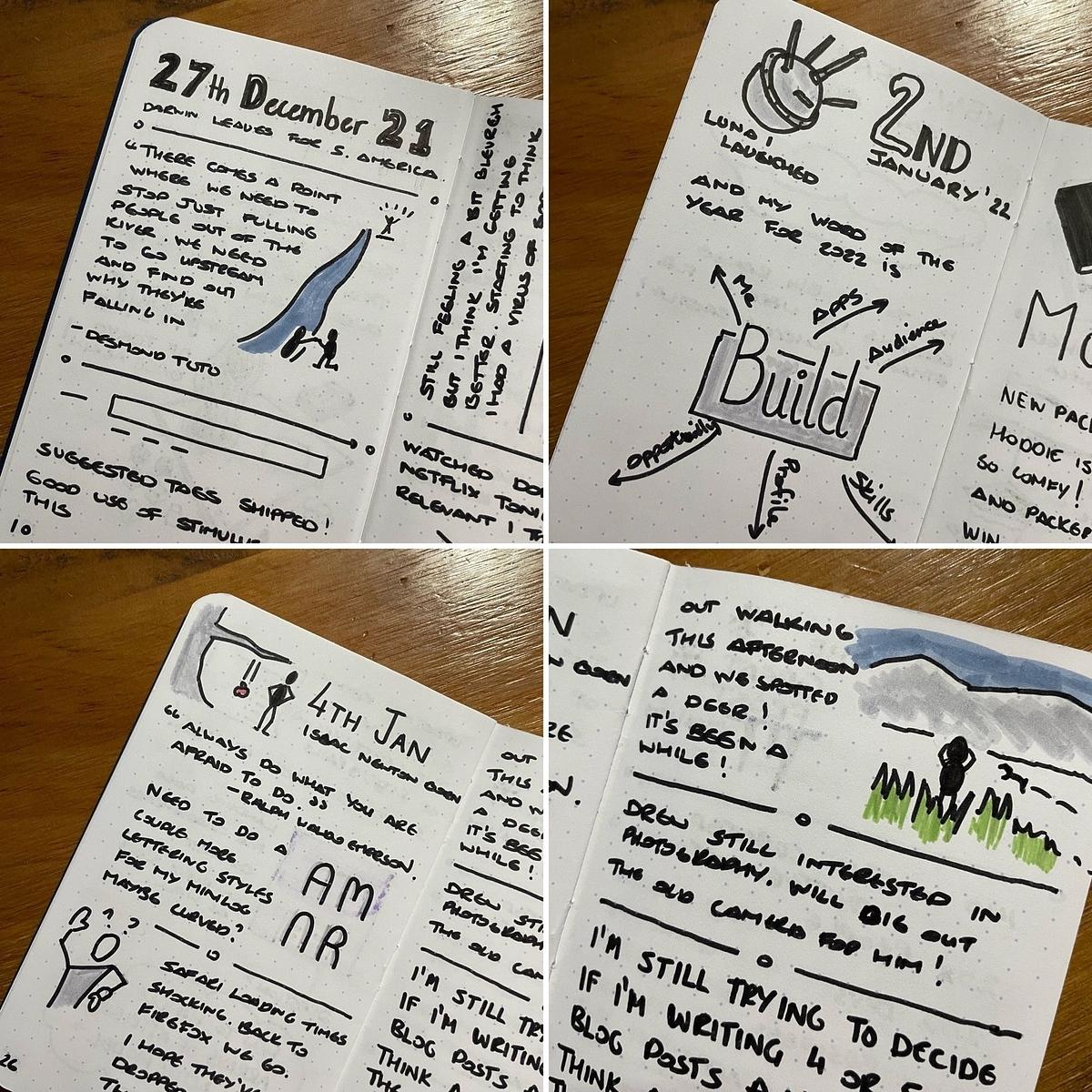
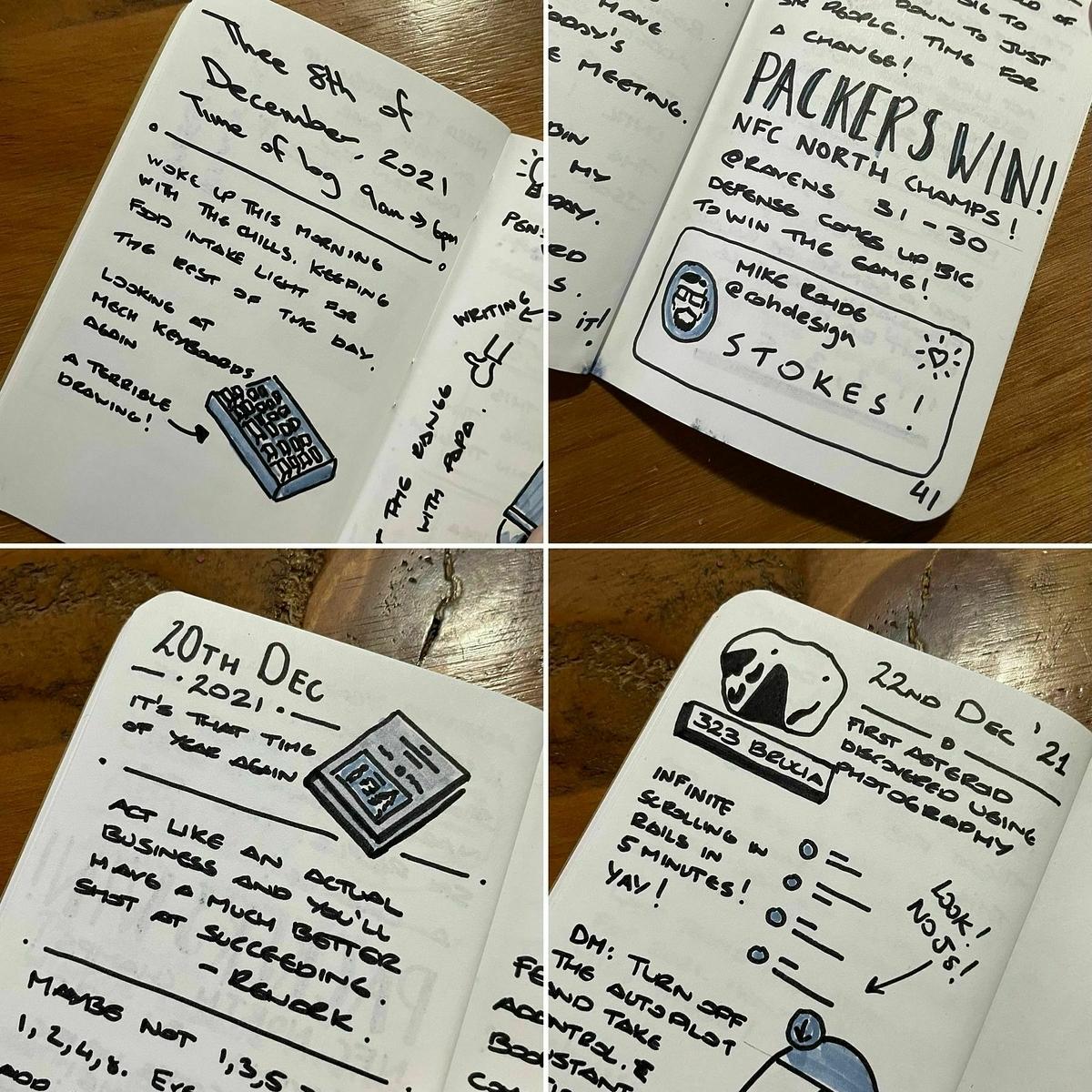
Minilog 15 complete. Using a two-page spread for the weekends condenses how many pages I need for a month. This month’s almost fitted in a single notebook.

I started another minilog yesterday.

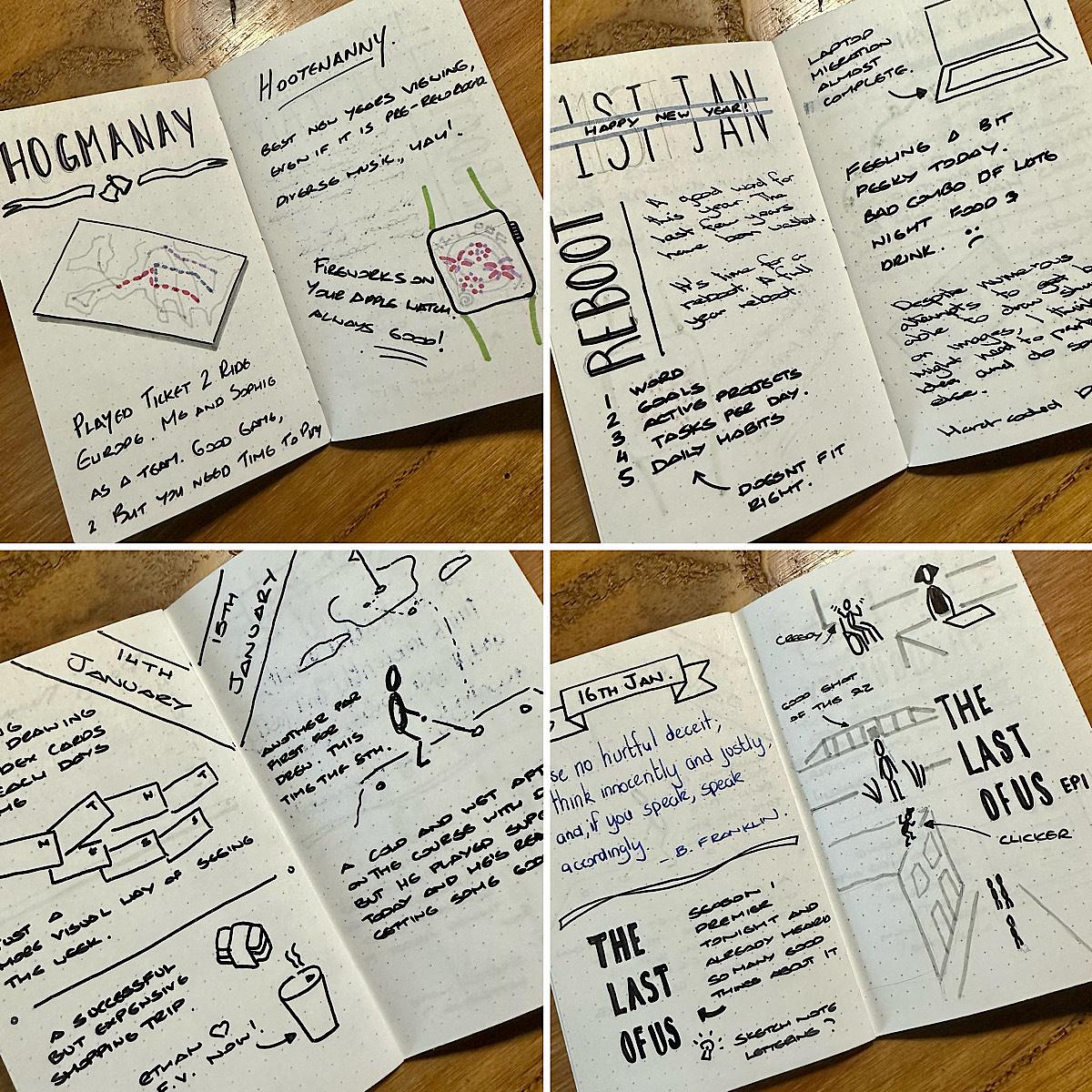
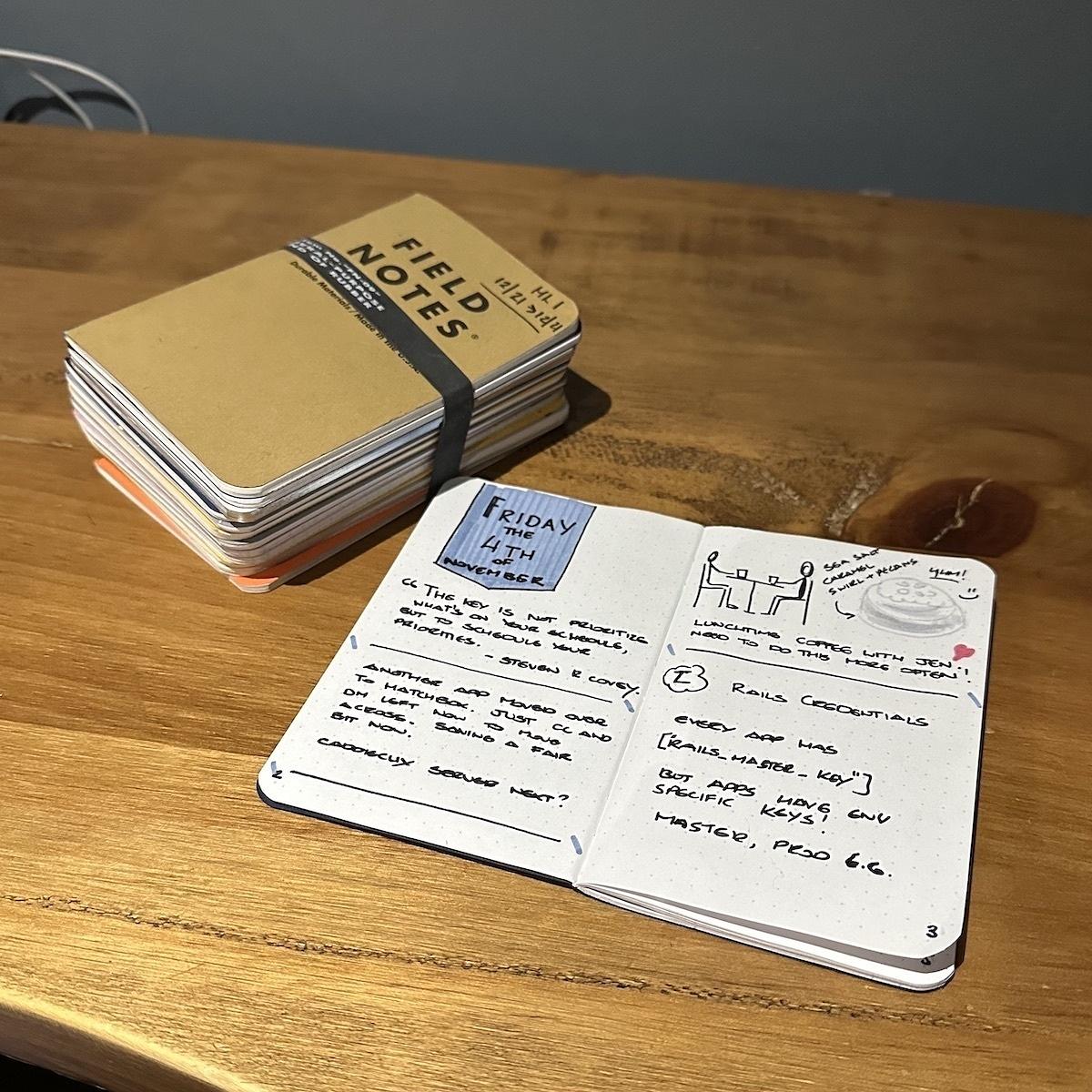
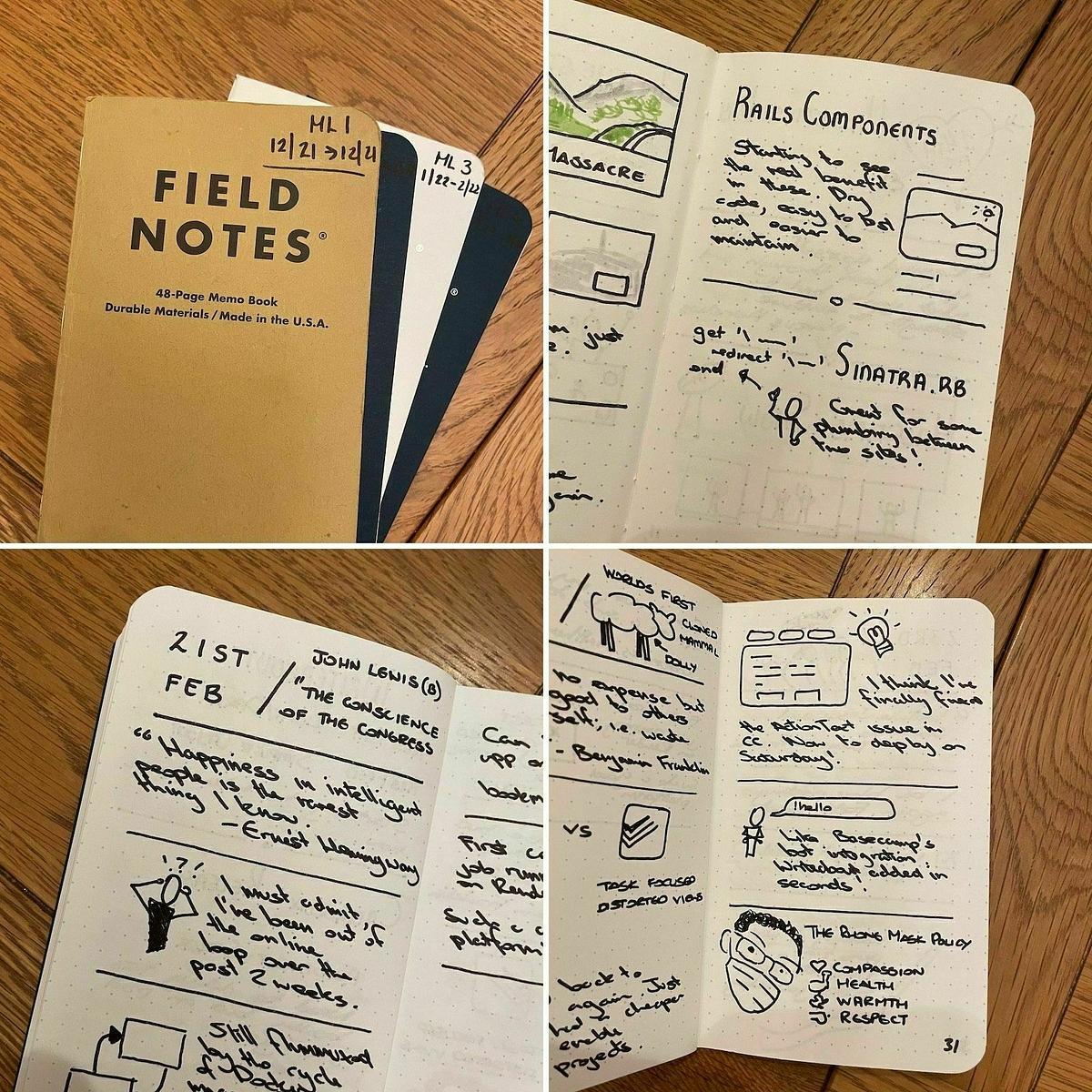
That’s 12 notebooks mostly completed over the last year. I say mostly completed, as there’s a couple of notebooks in there that I didn’t finish. It’s been a good daily exercise over the last year and I’m going to continue it through to next year. Also, it gives me something to do with my Field Notes subscription!

I’ll also start sharing a few pages from them again as they are completed.

Minilog 2 complete. I wasn’t as happy with the sketches in this one. I aim to do better next time.

Get sketchnoting!

It’s world Sketchnote day today! A chance for the sketchnoting community to celebrate this under-appreciated form of note-taking.

I first encountered sketchnoting through Mike Rohde’s sketchnotes. I found that sketchnotes provided a way of organising visual notes more linearly.

Before I started using sketchnotes, though, I used mind maps. I’ve been a user of mind maps for almost three decades now. When I was studying for my exams in high school, my uncle introduced me to mind mapping. I used them extensively while studying. I can still remember the epic four-page mind maps I created for each topic.

Mind maps, like sketchnotes, are visual. However, unlike sketchnotes, they are organised radially with a central topic in the middle and sub-topics emitting out like spokes on a bike.

One minor gripe with mind mapping is that it is always difficult to gauge how much space you need for the final mind map. Sub-topics can grow out from their designated areas on the page, and despite having some idea of how much space you need, I always found that I ran out of room.

With sketchnotes, though, it allows you to be more linear with arranging your notes. Although sketchnotes on a topic might cover a couple of pages or more, they are linear, making for little wasted space and is easier to read.

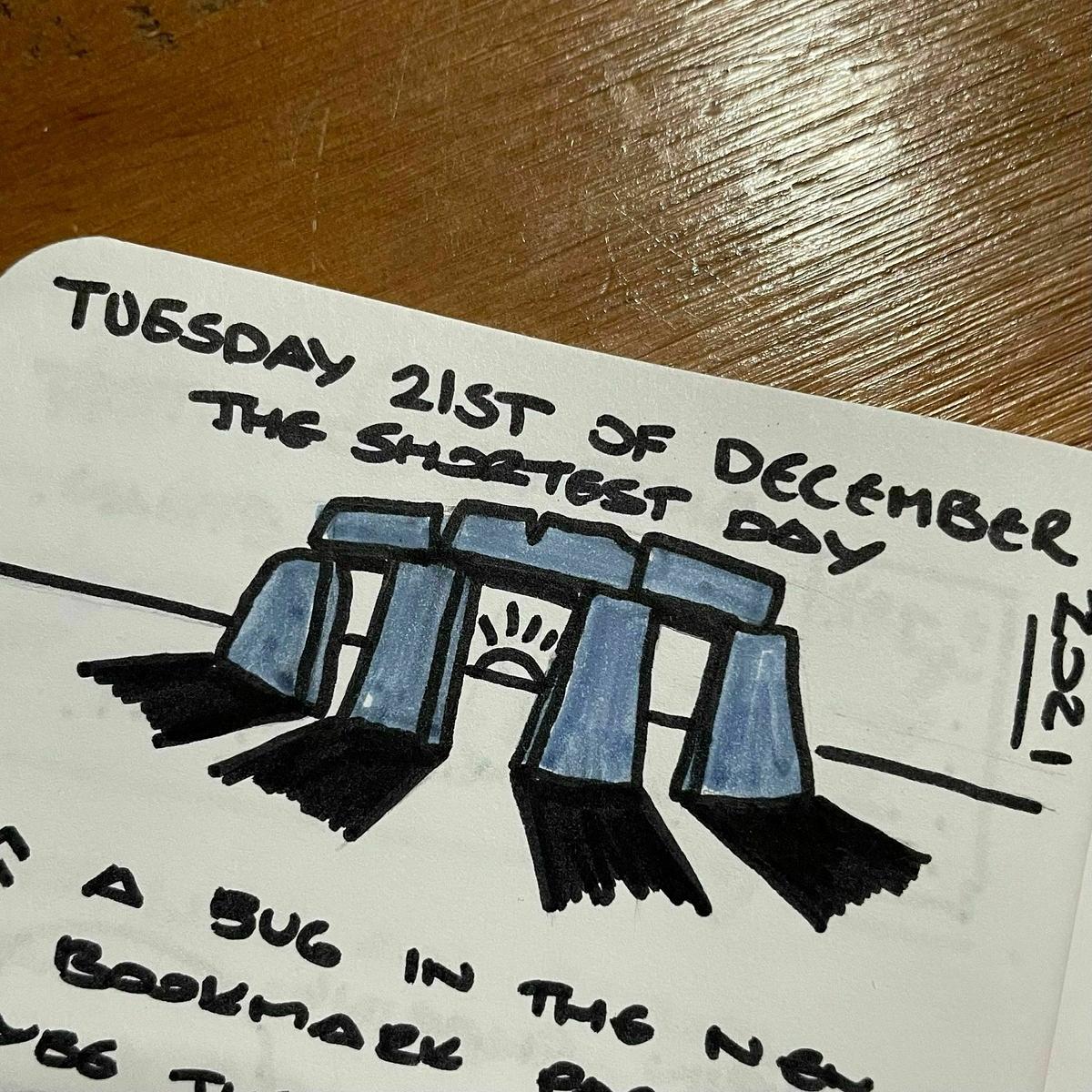
I still use mind maps on the odd occasion for outlining or doing a brain dump, but for taking notes, I use sketchnotes. I also keep a log of the events of the day using sketchnotes. I call this my minilog. I keep it in a series of Field Notes notebooks.

After a long spell of not sketchnoting, I’m happy to say that over the last few months, I back to using it daily again and enjoying it over the previous few months.

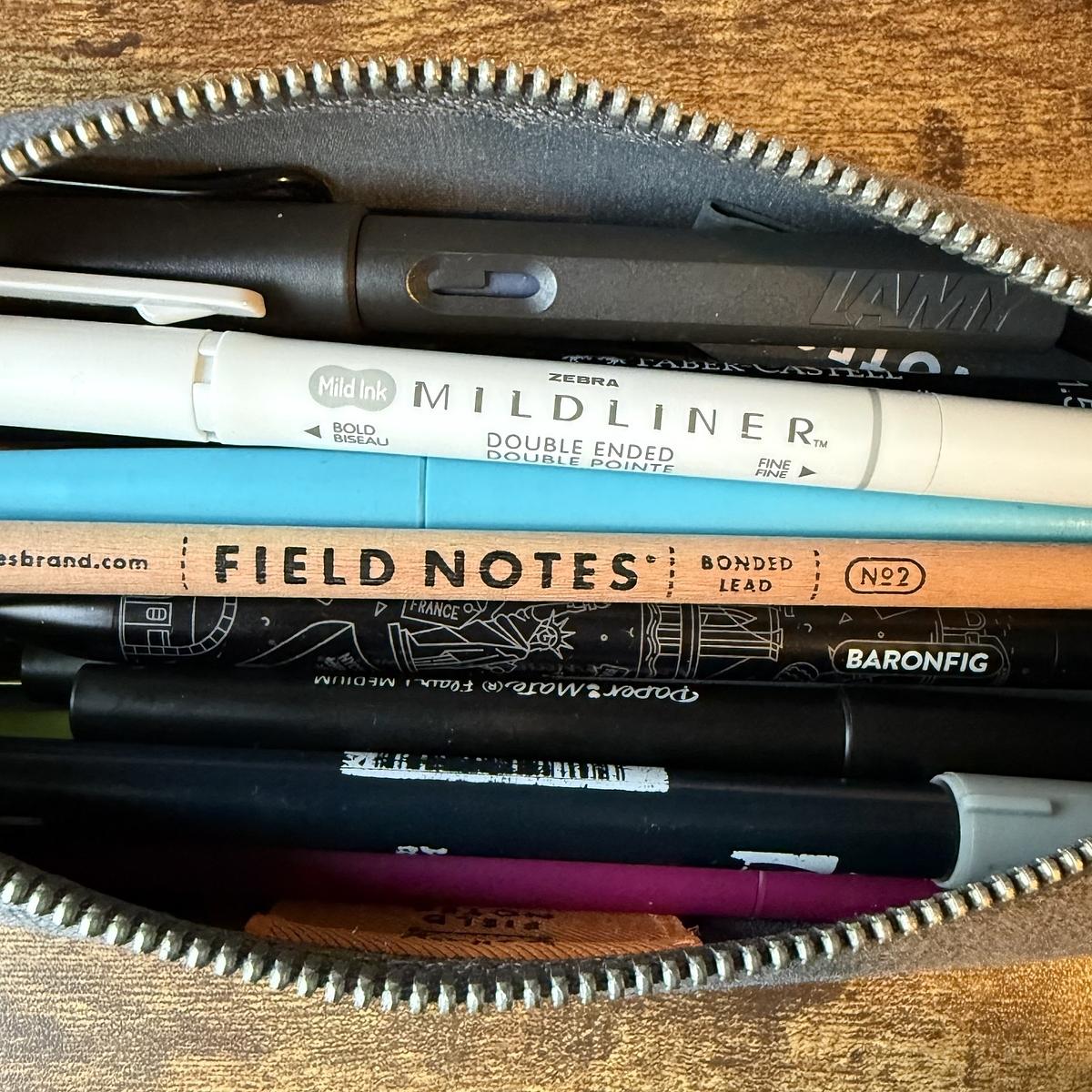
You can use any notebook and pen combination for sketchnoting, but after a few trials with different notebooks and pens, I found the following selections good for my sketchnotes.

I also have two Sketchnote Ideabooks, but I haven’t taken these out of the wrapper yet. I want to use them, but I just haven’t got around to them yet.

If you want to get started on sketchnoting, check out Mike Rohde’s sketchnote page. It has lots of free material to get you started. If you need some inspiration, there are also many examples of other people’s sketchnotes on Twitter.

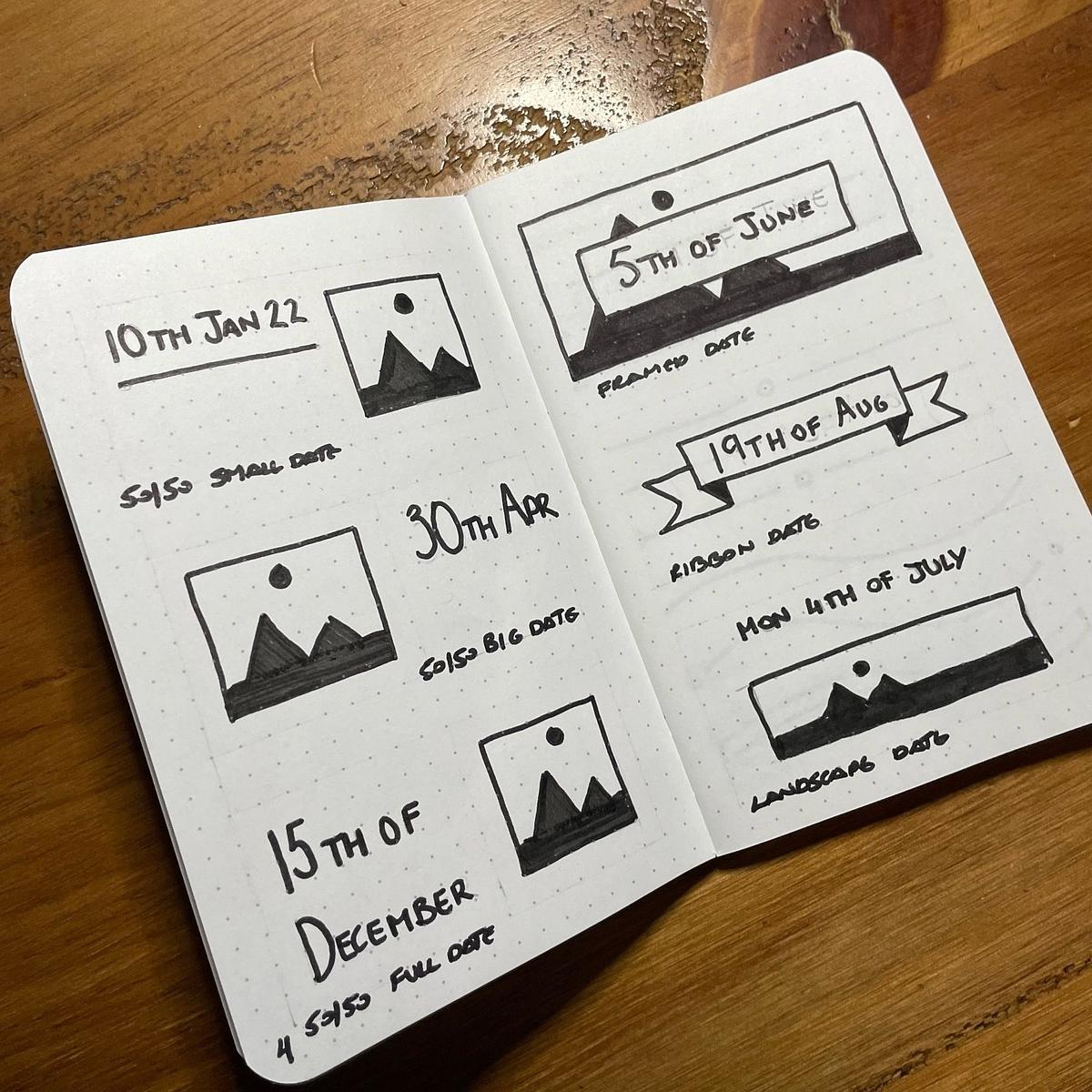
Started keeping a notebook of sketchnotes that I like to re-use often. First up are the date headers and separators I’ve been using.

Minilog v1 complete. I really enjoyed this exercise of keeping a small book of sketches and thoughts over December. Onto the next one!

I’m chuffed with my banner for today’s minilog. Just one more day and I’ll have done this for 23 consecutive days.

Bah. Just noticed that using a Sharpie comes through to the previous page. No more Sharpies for my daily pages now.

Disappointed to hear that Nock is winding down its retail store. I managed to grab a couple of Hightower cases before all the store stock disappeared. One as a backup replacement for my current Hightower and the other, a Christmas present for my youngest.

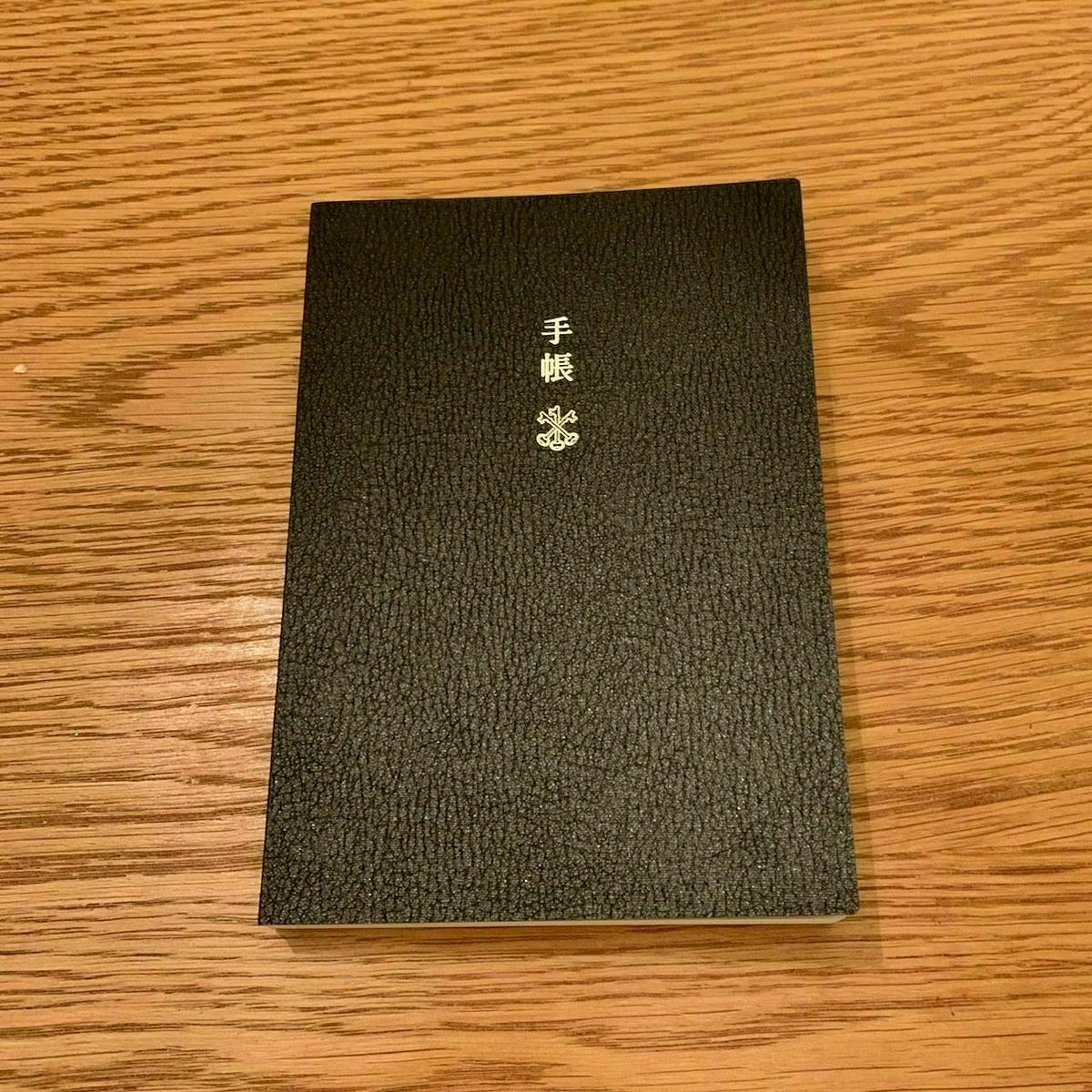
The family has upped their Hobonichi Techo Planner order to three this year. One for me, one for Jen and now one for our oldest Ethan.

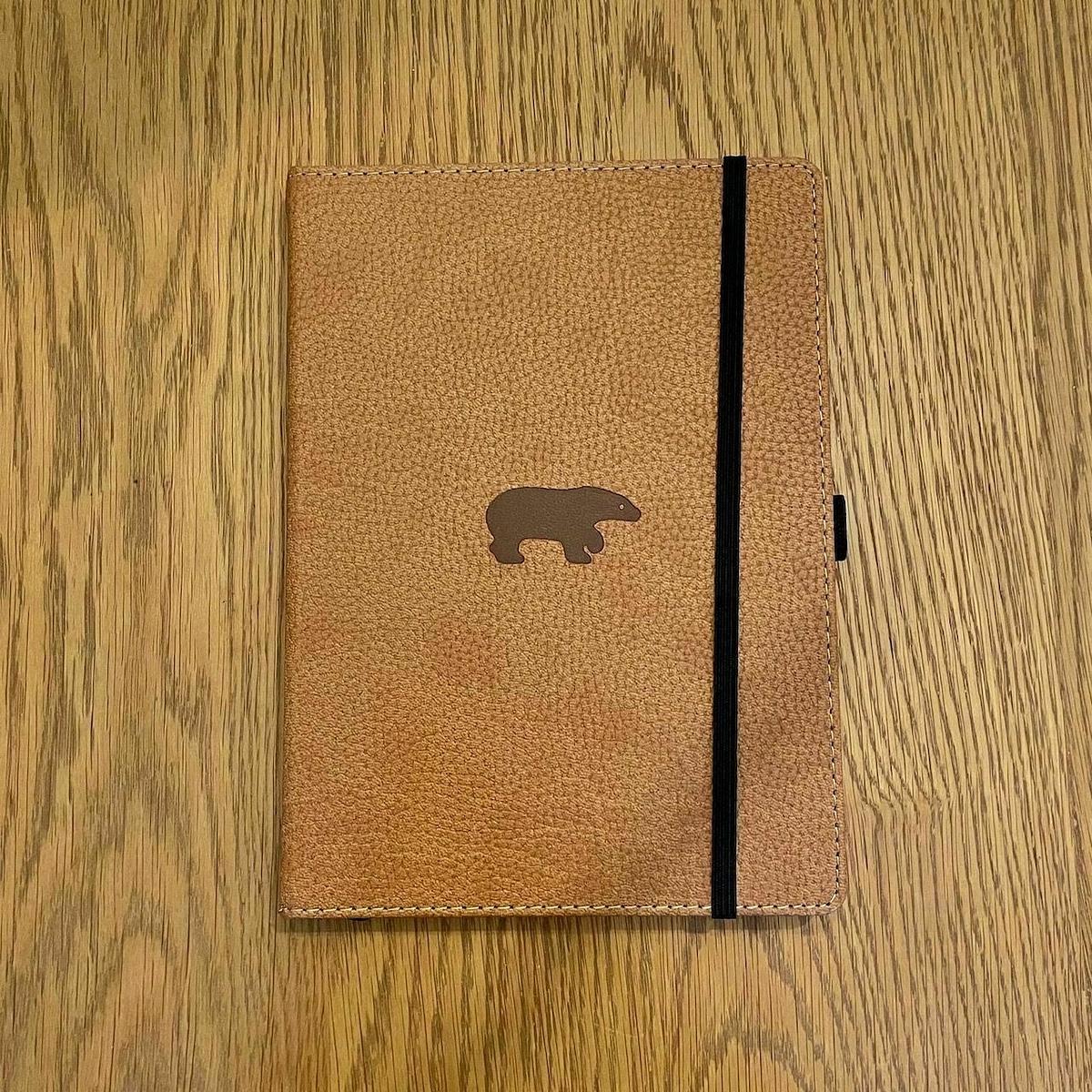
In a change from my regular Leuchttrum notebooks that I use, I wanted to try something different. Last week I ordered a Dingbats Wildlife notebook.

It’s a bit bigger than the Leuchttrum notebook which I don’t mind. It also includes a single bookmark as opposed to the Leuchttrum’s three. Hardly a deal-breaker as I can add my own bookmarks.

Aside from being eco-friendly, the notebooks come in many colours. 

Looks like I’ve missed the release of Edition 2 of the bullet journal notebook. I hope they get more in soon. Almost at the end of my current notebook.

Mind mapping again

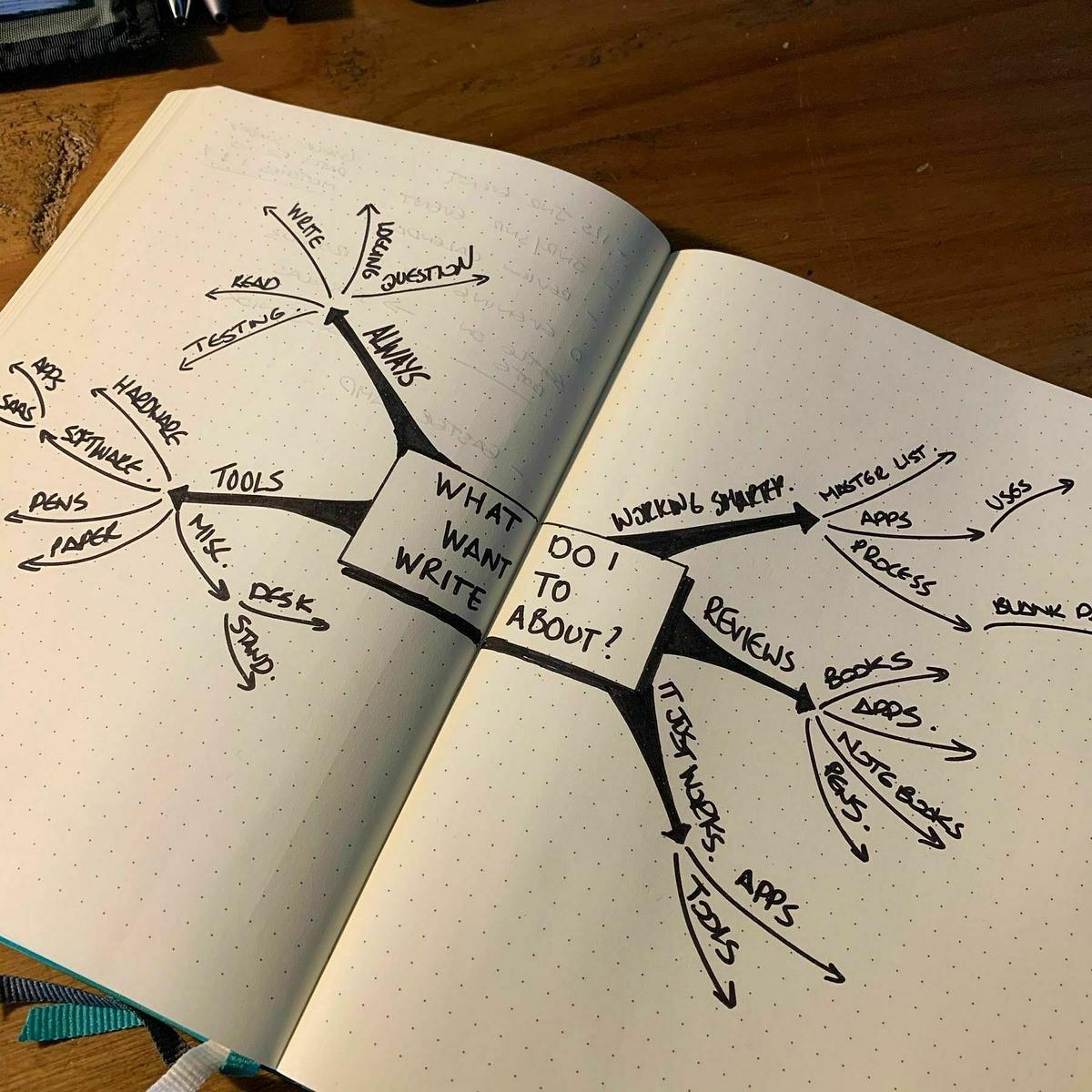
It’s been a while since I last did any mind mapping—a few years, in fact. I’ve probably doodled a few smaller mind maps in that time, but this is the first time that I have done anything more than a doodle.

The two-page spread of my notebook works quite well for it, and the paper is thick enough to cope with most of my markers, so there’s little chance of it bleeding through.

I can see myself doing more of this in the months ahead.

Bullet journaling again

I’m bullet journaling again.

To be honest, I didn’t really stop. I’ve kept a light bullet journal in a pocket notebook for the last few months. It’s hard to break a habit.

During this time, I also tried using a digital task manager, but it turned out to be a failed experiment. I just can’t keep a to-do list in an app anymore. It feels too constrained, and it usually feels like there’s a workflow to each type of app—a way it wants you to do things.

I just don’t get that with bullet journaling. The basic ideas are there, but I put my own little spin on them. It feels unique to me, and that’s maybe why I enjoy it so much.

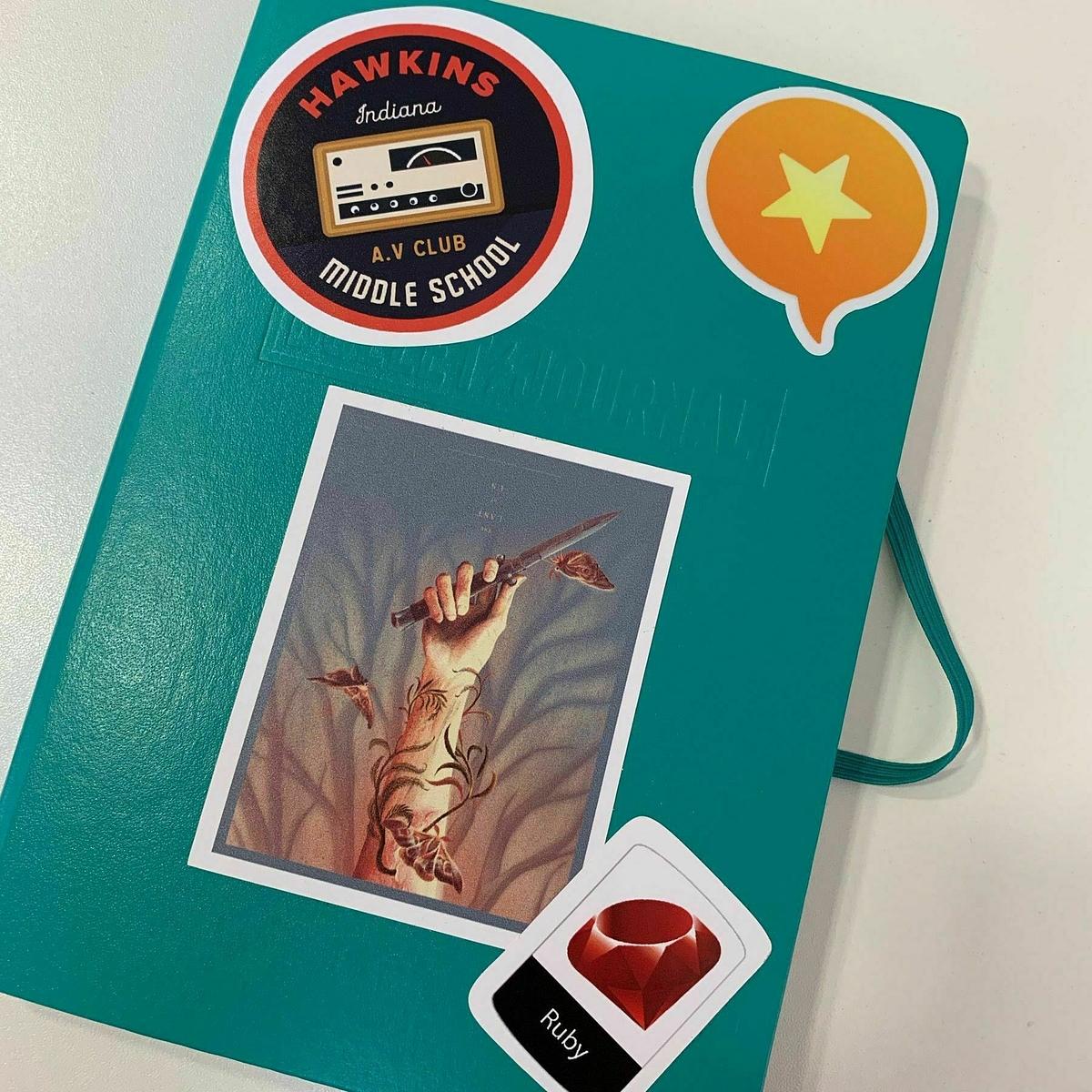
As with each bulletin journal, I like to make it my own with a few stickers of stuff I like. I have a Micro.blog sticker, obviously, a Ruby sticker, and a couple of nods to The Last of Us and Stranger Things.

I’m still missing a golf-related sticker, though.

Of all the apps that Setapp has on offer, I can’t find an alternative to Balsamiq. Oh well, back to pen and paper for protoyping.

Another notebook recommendation from one of my blog buddies. This time, it’s Michael Wade recommending the Dingbat journals.

I must resist ordering one now. Although, I will definitely consider one of these when my current bullet journal runs out.

I’ve been trialling Things on my iPhone and iPad for the last few weeks. This morning though, I deleted the app from both devices.

It is a great task manager and it does do lots of things (sorry 🤭) really well, I just can’t get on board with a dedicated task manager app anymore.

I’ve been bullet journalling now for well over a year and I find it a much more effective way of managing my day to day work.

Also I tend to write a lot of software, so I’ve been sticking with task management tools that tie in with my software development process. This means using issue tracking on GitLab or GitHub and using Trello for bigger client projects.

I think it’s fair to say that I’m well and truly done with task management apps.

Staying on Track

When it comes to planning the day with bullet journaling, there’s one aspect of it that frequently throws me. Knowing when a block of work should finish, and a new block of work should start.

I’ve been using plan bars (both daily and weekly) to plan out my day. When it comes to working through the day though, I usually find myself losing track of time and working through a block of the day that I had reserved for a particular task.

The first and obvious solution here is to use a calendar with reminders to let me know when I have to switch tasks, but if I’m using a calendar app then what is the point in using the bullet journal?

Also setting up a calendar like this requires a lot of clicking and typing, which I’m not keen on doing.

The best idea that I’ve come up with this for this problem is to split the day into blocks and have recurring alarms set for the start of each block. This alert will give me the nudge I need to look up and switch tasks if I need to. Most days the blocks will start and end at the same time, but there will be days where blocks will change from the usual times during the day. The Reminders app on macOS comes to mind, but I’m wondering if there’s something even more straightforward than that that I could use.

If anyone else has any other ideas for staying on track through the day with bullet journaling, then I would love to hear them.

Benefiting from the Constraints of Pen and Paper to Tame Tasks

In the last 18 months, I’ve moved from using a task manager application to using pen and notebook and a technique called bullet journaling. The transition to this method hasn’t been without its challenges, but there’s one thing that it provides that I don’t get with any task manager application that I’ve used. And that is constraints.

Task management applications like to sell lots of benefits like being able to go with me wherever I go, work wherever I am and manage anything I throw at it. That last advantage is quite interesting because it’s here that I find that task management applications work quite well for me for a while, but I usually end up over-committing with a crazy list of tasks sometimes running into hundreds.

Thanks to improvements in technology, we have these little portable devices in our pockets that can potentially hold thousands (perhaps even millions) of tasks. These same devices also make it simple to add more tasks with the ability to type, speak or automate the process of creating new tasks. There are very few constraints in creating new tasks other than perhaps losing the wi-fi signal or running out of battery. These are not big constraints given that the world is more connected than ever and we have portable chargers to keep our devices topped up.

I keep all my tasks together at the back of my notebook. Written by hand and double-spaced. Sounds labourious right? Bear with me.

With each new task added, I often find myself questioning the value of the task and whether it is even worth writing down. I also look at the number of tasks I have decided if I need to focus on those first before adding anything else.

When it comes to moving tasks from one page to another, again I question the value of the task and whether it is worth moving.

My master list of tasks is usually about three pages long. Take into account that the notebook is smaller than A4 and my writing is double-spaced, that’s not a lot of tasks to do. The constraints of time to write a task and the effort in maintaining it when using paper mean that my complete list of tasks is manageable.

You can enforce these constraints on your favourite task management application, but I’ve often found that this is difficult to do given how easy to use these types of applications are.

Now, I’m not saying that bullet journaling is the silver bullet solution to all productivity hacks; it isn’t. However, the constraints of notebooks are why I find that bullet journaling works so well. It allows me to manage a smaller and more focused list of tasks and that in turns stops me from over-committing.

Deep work vs distractions

Curtis McHale breaks down the process of getting work done in a world of distractions. I particularly like his argument for analog task managers over digital ones.

One of the big principles of Bullet Journalling, is that paper creates friction and this is a good thing. If it feels like a significant pain to move your tasks forward, then they likely weren’t worth doing anyway. You didn’t get to them the first time, so apparently, they weren’t important.

Just drop them.

Digital task managers make it far too easy to move things forward that we’re never going to do. You push the date forward and make the task a problem for future you. Maybe you take the date off and then continually have to decide during your review if the task is worth doing.

— How Do I get Deep Work Done in the Midst of Random Priority Distractions by Curtis McHale

The latest Field Notes

Time for another quarterly delivery of Field Notes memo books. This time it’s the Campfire edition.

There are three memo books in a set but the boys were quick to snag the “Night” covers of this set and lucky for them there was two of them. This is why in the picture above I’m only left with the “Dusk” and “Dawn” covers!

When I subscribed to Field Notes I wasn’t really banking on the fact that my sons would be using them as much as they are are. Ethan is using the memo books for his golf and Drew is using them for drawing. I may have to bump up the order number next year!

Capturing the wild ...

… with Patrick Rhone.

I’ve recently re-adopted something I learned in a high school creative writing class. I’ve been keeping a Field Notes notebook in my back pocket and capturing stray interesting thoughts that pop into my head and things I overhear from others (conversations, movies, reading, etc.) There’s no specific reason or purpose for these random snippets, for now. Just listening, observing, waiting, and writing down anything that catches my attention.

— Capturing the Wild Snippet by Patrick Rhone

Clearing the decks

With the new year just around the corner, it’s always a good time to clear the decks and start afresh. A few things I’ll be doing today:

  • Organising my desk
  • Preparing my new Hobonichi Techo
  • Planning out January in my bullet journal
  • Reviewing clients and their products
  • Reviewing my digital footprint
  • Reviewing my now page

If you’re at a loose end today, clear the decks. It’s as good a time as any to start getting ready for a fresh start.

Paper Is Not Broken

Patrick Rhone imparts some much needed opinions on the argument that paper is broken.

But I’m here to tell you that paper is not broken. I refuse to accept that premise because it can’t be proven. In fact, the opposite is far more likely. I don’t have to back it up, charge it’s battery, change it’s format to be opened by something else once the app maker goes out of business, or let it co-exist on a device with a hundred other things competing for my time and attention. It’s a technology that’s a couple of thousand years old and has worked reliably, virtually unchanged, in that time. It’s better than any digital solution in fundamental ways. Not the least of which is the fact that it has been proven to last for a thousand or more years given the right care.

— Paper is not broken by Patrick Rhone

Another argument against digital devices is the fact that many digital devices like this pride themselves on being thin but then provide inferior ways of organising pages within this thin device. They might offer search facilities which usually takes longer than I can find a page in my own notebooks.

Notebooks on the other hand have depth and visibility. Although closed I can see at a glance all the pages in my notebooks. If marked right I know right away where everything is without even opening it.

Why Notebooks Work For Me

This week I’ve highlighted the three notebooks I am using to replace my task manager app.

The reason that I find that notebooks work so well is because while notebooks are more versatile, they also need input and I don’t mean of the mouse and keyboard kind.

Digital task managers have a number of features that allow you to take shortcuts. I took these shortcuts as a way of avoiding planning and reviewing my next block of work. I simply let my task manager do it for me using features like lists and tags.

I can’t take shortcuts with a notebook. I can’t quickly filter out a subset of tasks. I can’t move a group of tasks in a few seconds. Given time I could do these but just not quickly. And that’s the reason I find that notebooks work so well.

Managing your tasks using notebooks means that you need to spend more time planning, reviewing and making decisions about what’s important.

They need that little bit of extra work. Work that I think is worth putting in.

So far, everything is going well. The only significant change was the introduction of the bullet journal, but I’ve already have plenty of use through my other notebooks to make the switch to the bullet journal easy.

To find out more follow Patrick Rhone and Belle Beth Cooper who are real notebook aficionados. Both update their blogs on a regular basis and feature posts around notebooks and how to use them. Patrick also has a website called The Cramped that you might revolves around analog writing.

When it comes to getting things done the focus is always on what needs done and when you can do it. Without these two you would end up with the wrong task getting done at the wrong time. You’ll eventually find yourself just getting nowhere fast.

These two task variables are important but just as important is the time you spend looking at the progress you have made. In order to do that you need look past more than just the tasks you done.

I look to the tasks that fall into two categories:

  1. The difficult tasks that presented problems but were eventually done.
  2. The tasks that I enjoyed doing and that made a significant impact.

It’s these groups of tasks that make up the bulk of my final notebook in the process, the logging notebook. When it comes to looking back what you’ve done, you need to filter out the important tasks so that you know you are making progress. This is what I use the logging notebook for.

I’m using a Hobonichi Techo planner as my logging notebook. Persuaded by Patrick Rhone and Mike Rohde I bought one at the end of last year.

The notebook itself is fairly small and the paper although thin, is of superb quality. This makes it ideal for a broad range of writing instruments. I mostly use a Lamy Safari for this notebook, although I have done a few sketches with other pens.

Rather than using it as a planner, I record the big wins for the day and the tasks that I finished that made a real difference. Those “Yay me!” moments when it’s more than just another task done, it’s a significant amount of progress made.

The year is drawing to a close and I’m glad to say that the Hobonichi Techno planner has been a great investment as I use it daily. Next year’s is already sitting on my desk waiting to log the next set of wins .

You can use any notebook as your logging book. The most important thing is to log the wins. It adds a much clearer view of the progress you’ve made and also has the benefit of providing a much needed boost when you feel you have been slacking.

Bullet journalling has been around for a few years now, but it’s only now that I’ve decided to start a bullet journal of my own. The bullet journal is the idea of Ryder Carroll. He wanted something easy to use and over a period of time, he tweaked what we now know as the bullet journal.

The bullet journal isn’t the notebook itself, it’s the conventions used in the notebook that make it a bullet journal. There are a number of different pages to a bullet journal:

  • Future log - A two-page spread listing what you need to do over the next six months.
  • Monthly log - A single page listing the month ahead and what you planned for each day.
  • Daily log - A page with tasks and notes listed for each day.
  • Collection - A single page comprising of a number of related tasks.
  • Index - A number of pages with references to any future logs, monthly logs, collections and any other page you need to remember.

I’m using it in much the same way as the method on the website with the exception of the bullets. I’ve been using Patrick Rhone’s DashPlus system for few years now for my notebooks for capturing and so I’m sticking with that.

I keep a list of recurring tasks that I must do each week and month. Every week I have admin work to do, invoices to review and marketing tasks to get done. I keep these tasks under two pages. The first is weekly and the second is monthly. Any recurring tasks get listed here and then migrated to the month log or daily log when I need too.

It’s fairly easy to pick up and that’s one of the reasons why I like it so much. Even the simplest task manager apps on the market have a degree of complexity about them. With the bullet journal everything is there to see. Nothing to hide.

The immediate benefit is that you’re away from the screen for periods at a time through the day. Modern technology is great and makes us more productive, but there comes a point where even modern technology becomes counterproductive and we end up needing something to reinforce what’s important to do next.

For me the big benefit is the need to spend more time reviewing and planning my tasks in the journal rather than simply seeing what my to do list has scheduled in place for me to do that day. Now that I spend more time planning my day and week I’m more aware of what I’m doing and the time I’m spending on each task.

I’ve been carrying a pocket notebook with me everywhere I go for the last few years but it hasn’t been until this year that I really started to use it on a daily basis.

The idea is simple. You keep a pocket notebook on you to capture ideas, thoughts and anything else that you’ll need to remember at a later date.

No matter what profession you find yourself in, the most essential function of the pocket notebook is to provide a place to capture the ideas that spring to mind throughout the day.

— The Manly Tradition of the Pocket Notebook by The Art of Manliness

You might think it’s a little over the top but how many times have you tried to remember something that came to you a few hours before but you couldn’t? Unless you already have a place for these then I imagine that for most of you it’s quite a lot.

It used to happen to me all the time. I started using email to capture moments like this in Todoist, but that was the wrong place to capture them.

Instead I took the advice of Patrick Rhone and started using a notebook to capture all these little loose ends that come to me through the day.

It’s been a decision I haven’t regretted and become such an engrained habit in my day that my notebook goes with me everywhere.

At the moment I’m still working through a couple of pocket Moleskine notebooks, but I’ll be using the Field Notes notebooks when my first subscription arrives in a few weeks.

I keep my notebook in a Nock Hightower with a few index cards if I need to hand some information out. It also has space for a couple of pens and I also keep my headphones in here as well. Seems as good a place as any and it means all I need to lift if I’m going out is my keys, wallet, phone and Nock. I rarely go anywhere without all four.

A pocket notebook might get you stares and a few questions about it, but for capturing those bits of info you might need to remember later on, it can’t be beat.

Moving To An Analog Task Management System

A few weeks ago I decided to take the plunge and stop using Todoist as my task manager. As you know I’m a big fan of Todoist and it wasn’t easy making that decision. My frustrations came from the fact that I needed something more intentional than another app on my phone, another task list in the ether of the Internet. I need something that requires a bit more work to manage than just bashing in a few words with my keyboard or frantically clicking my mouse.

CJ Chilvers’ post about ditching your to do list had been on my mind for a few days before making the decision to stop using Todoist.

I’ve slowly become a convert to the idea that we need to concentrate on our calendars a whole lot more to achieve what we want in work and life. If you want it done, it must be scheduled. If it’s not scheduled, it’s just another item on your wishlist that will never be completed.

— Kill Your To Do List by CJ Chilvers

Investing time in the task manager isn’t the priority, it’s investing the time in the calendar that makes the difference.

So, do I need Todoist? Well, I’ve been without it for over a month now and I’m still working, still busy and still making an income. Clearly working from your calendar is a good thing.

However, that leaves me without some form of tracking and managing tasks. I wanted something that didn’t have me sitting on my phone first thing in the morning, something that required a bit more effort to use and finally something that I could just pick up and start using regardless of where I am.

I’ve been using pocket notebooks to capture stuff through the day like notes, messages, tasks, ideas, books to read and so on. Being able to stop, write, and then carry on working gives me a little break from the screen through the day but it also got me thinking about using more notebooks to manage my tasks.

I might have killed my to do list on Todoist, but I still needed some form of task management. And that’s what this week’s posts are about. So tune in tomorrow for the first post on the humble pocket notebook.

Mike on Notebooks

Mike Vardy shares his thoughts on Medium on why he uses notebooks.

Ultimately, however, I use notebooks to connect with the things that are most important to me on a daily basis. I keep them handy because I don’t want to lose sight of what I really want to accomplish.

— How I Use Notebooks by Mike Vardy

via The Cramped

Digital Morning Pages Again

For over a year now I’ve been writing my morning pages by hand. At first the exercise was all about moving away from the growing stack of digital tools I was using. It was becoming tedious continually sitting at a screen so I started handwriting my morning pages.

The exercise itself forced me to slow down a bit more and practice my handwriting. It’s been going well and I’ve got a stack of full notebooks to show for it.

I use a Hobonichi Techo planner for logging a few things through the day and scheduling important meetings and work. It means I’m writing a lot more than I did in the past, and the time I’m spending on writing is growing. If I had no client work on then it wouldn’t be a problem, but I’m doing client work most days.

Whether my morning pages are handwritten or typed, I’m know that I’m still getting the value out of my morning pages, but the time taken to type my morning pages is much shorter than handwriting them. To that end I’m typing my morning pages again on 750words.com.

I started this morning with a weekly review and will be using it just like I did with my handwritten morning pages, focusing on a particular topic for each day and just writing.

I love using pen and paper where I can. It’s portable and flexible. There comes a point though when the digital alternative has clearer benefits and it’s definitely the case here.

The @FieldNotesBrand order confirmation email is actually pretty slick with the graph paper background image.

I’ve been rebooting a few habits and processes over the last few weeks and one emerging trend from all this is that I’m going back to basics.

Instead of putting my tasks in Todoist, I’m capturing them in a pocket notebook. I don’t need a another task manager app. I can capture the task in my notebook just fine.

Instead of using a 3rd party calendar app on macOS I’m using Calendar. I don’t need another calendar app. I can outline my day in the macOS Calendar app just fine.

Instead of writing everything in Ulysses, I’m writing this post straight into the Ghost editor. I don’t need another editor to write it in. I can write it in the Ghost editor just fine.

When you see the tools that are available to you, it can be easy to make yourself jump through hoops to justify the use of these surplus tools. All we’re doing though is adding extra layers to get one thing done. When you remove those layers, it can be surprisingly simple to do just that one thing. And that’s just fine.

I applaud Moleskine for their determination to break into the digital world with their new Smart Writing Set but I think they’re better off sticking to just plain old pen and paper.

I like the idea of the Freewrite, but I would never buy one. It creates a sense of being a distraction free writing tool, but you could still check your phone, which is probably with you 99% of the time anyway.

There is a simpler solution.

It doesn’t require you to carry a clunky box or even a dedicated bag. It doesn’t depend on any electrical power supply. It’s completely disconnected from the Internet and it doesn’t require you to press any buttons.

Ladies and gentlemen, I give you the pen and notebook.

The Ongoing Art of Handwriting

It will never die. I write now more than I ever did. The growing collection of notebooks and pens on my desk is proof of that.

Despite those who say it’s dying. That it’s obsolete. That, more and more, machines will take over the tasks we use handwriting for. That schools will teach it less and less. Despite all of the obstacles and the naysayers, writing by hand will live on long after you and I are gone.

How do I know?

Our children. Mine and yours. All of us who write by hand and advocate its importance and advantages. We who have children will write by hand in front of those children. Through such actions they will learn from us that writing by hand is something one does. We will teach them to do the same.

— Handwriting will not die… by Patrick Rhone at The Cramped

Ana Reinert of The Well-Appointed Desk does an extensive comparison of three of Moleskine’s notebooks.

First and foremost, Moleskine notebooks are available in a multitude of sizes, configurations and form factors. The overall aesthetics are streamlined and understated. While you might not love them, its hard to truly dislike them. If anything, they are plain. And they are ubiquitous. You can buy them almost anywhere: the airport, the bookstore, the coffeeshop or your favorite boutique.

— Reconsidering Moleskine by The Well-Appointed Desk

Notebook and writing fans will love this.

Photograph of handwritten notes

Today’s commonplace entry courtesy of Nicholas Bate’s learning tips.

My Kaweco fountain pen was quite nice to write with but I might downsize the nib in the future.

And yes, the cramped refers to my hand. Definitely not use to writing notes like this.

It's Journal Day

My plan for celebrating the day (which, truthfully, I started last night) is to open up past year’s journals, logs, and notes and tease out any ideas that may have gotten lost in the shuffle and see what I might want to put into action the coming year. On August 10, 2014 I noted that my wife and I were a pretty good canoe team after a jaunt out on the lake at our family cabin and that, perhaps, we should go canoeing more often here in town.

— Today is Journal Day by The Cramped

I’m just getting mine ready for the new year.

Steven Pressfield offers a top tip for making a lasting impression.

Say thank you

As in, on a card.

No cold, white, computer paper.

In your own handwriting.

With a pen that isn’t running out of ink.

Sharpies are nice. I like thin and medium tipped.

It’s a good way to connect. They’ll remember you.

— The Most Important Tool In Your Arsenal by Steven Pressfield

Hobonichi Techo Planner Ordered

I missed out on getting one of these last year but I wasn’t going to make that same mistake twice. The increasing usage of pen and paper continues. Who would have thought in this digital age that these basic tools would be in so much demand?

Black Notebooks No More

Moleskine. Black.

Two words that many people might associate with each other and with good reason too. When Moleskine notebooks started becoming popular a few years ago, black was the only colour available. I’ve owned a number of them over the years, but a couple of years ago my wife bought me a burgundy coloured Moleskine that was released to tie in with the release of the first The Hobbit movie. Instead of a plain black cover, it’s burgundy with embossed detailing from the original maps that Tolkien created for The Hobbit book. I didn’t give the colour change much thought although I did like having something a little bit different.

Having finally finished this notebook and in need of a few more notebooks to fill the gap I went straight to Amazon to order up a couple of Moleskine notebooks in black. Then I remembered Matt Gemmell’s piece on colours that I read the previous day.

Black is boring. Dark grey is boring. Even white is boring now, after a brief few years of distinction.

— Colours by Matt Gemmell

Matt is right. Black is boring. So I clicked through to see what other options there were and decided on a couple of packs of Moleskine Volant notebooks. One emerald set and one blue set. They arrived over the weekend and have been assigned their seperate roles. As you can also see they are definitely not black and definitely not boring either.

My New Collection of Notebooks

These will be definitely more interesting over time as I fill these notebooks and order others in different colours.

I’ve just checked the order on a batch of Pentel pens and refill cartridges I bought from Amazon. It was around sixty days ago. Since receiving these pens from Amazon I’ve tried to build a habit of writing my morning pages on weekdays. Rather than typing like a demon possessed, I’ve used pen and paper for this task. To be honest I’ve skipped a few days, but I’ve fulfilled my daily quota on most of the days.

Yesterday was a bit of a milestone. I ran out of ink. That one pen lasted about sixty days in total. What I was left with was an empty ink cartridge. I’m not sure how many pages I’ve written in my notebooks in total as my morning pages are spread out across two different notebooks and there’s stuff between each set of morning pages. Might be time to dedicate a notebook to this.

Checking back on my writing I’ve looked through what I’ve achieved and been impressed by the amount of words that I’ve written. Most of it will never see the light of the Internet but there’s a few ideas in there for posts and writing projects. Hell, there’s even a few ideas for novels in there.

I’ve popped in a refill cartridge ready to start the process all over again. Around sixty days from now I expect to burn through another cartridge. If I haven’t, then I’ll know I’ve missed out on more than a fair share of writing days.

How I Use My Notebooks

Jenny Mason shares a her notebook preferences and their uses.

My pocket notebooks are filled with all sorts of useful information that I need on hand for the present. Nothing work related goes in here, this is purely a notebook for me. I have weekly personal to do lists with all things that I want to accomplish that week. I have order information scrawled on random pages, blog post ideas, trip ideas, travel itineraries and lists of things I need. I have lists of books I want to read, notes of things I want to research or look into and on a rare occasion there are doodles.

— How I Use My Notebooks by Jenny Mason

via The Cramped

The Pocket Notebook - A Game Changer

The Simple Dollar cover everything you need to know about using a pocket notebook.

It’s really hard to believe, but I have to say that one of the most – and possibly the most – profound changes I’ve made in my life over the last several years was the simple decision to start carrying a pocket notebook and a pen with me wherever I go. Unless I’ve made a mental miscue when swapping out a finished notebook or something, I do not leave the house without my pocket notebook resting in my hip pocket or my shirt pocket, with a trusty pen right there beside it for jotting notes.

— How to Use a Simple Pocket Notebook to Change Your Life by The Simple Dollar

If you don’t have one, get one. Keep it on you at all times. It’s more of an asset than you think.

Ever since I took delivery of my Nock Hightower a few weeks ago, my notebook has been with me every where I go. Even when I’m at home it sits on my desk just behind my keyboard, always within reach.

Yesterday and today I took advantage of some downtime and sketchnoted a few blog posts I was reading in the morning.

Creating Great Content

Taken from The Next Web - “How to create consistently great content”

Sketchnote of creating great content

Writing for Your Clients

Taken from Curtis McHale - “Are you writing for your ideal client?”

Sketchnote of writing for your clients

Strategic IT Agility

Taken from Thoughtworks - “Reworking IT for Digital Success”

Sketchnote of strategic IT agility

Each of these posts had value to them. Sure, I liked them on Instapaper after reading them which in turn added them to my Pinboard, but the chances of me revisiting these bookmarks in the next few days is slim. However, with the sketchnotes in my notebook, they are more accessible for review. Going to stick with this over the next few weeks.

Moleskine are adapting to the digital world around them, but the big plus from this article is that despite the prevalence of technology, Moleskine’s little black books are still their top seller.

The number of Moleskine paper products, including variations on the notebooks, has ballooned to about 500. But the top sellers are still the blank black notebooks in the original pocket size and a larger version.

— Moleskine Notebooks Adapt to the Digital World by New York Times

via The Cramped

The new site by Patrick Rhone for those that appreciate quality pens, beautiful notebooks and the chance to simply write.

Mark your calendars for next year, Patrick Rhone is proposing a new holiday for journal fans everywhere, Journal Day (December the 9th).

There are many ways to celebrate or traditions one could keep to mark the day. For instance, this might be the day to take out previous journals and reflect on where you were then versus where you are today. Another tradition may be to let someone you trust read one you have kept and get to know the “real” you.

— Journal Day by Patrick Rhone

Back to Sketchnoting

A while back I talked about looking to get back to mind mapping again but in the last few months I’ve found it quite a struggle to get back into it. I just don’t feel comfortable with it anymore. It just doesn’t flow as much as I thought it would. In fact I’ve found it quite cumbersome.

The ideal mind map radiates from a central topic and breaks out into branches that represent related topics. These branches break down further and further until you’ve got to the topic you need. The problem is that mind maps only radiate from the center. By the time I’ve added a number of top level topics I’ve already ran out of space on my paper and no, mind mapping software is not the answer. I’m strictly a pen and paper person when it comes to that initial capture.

So I’ve decided to jump back to scketchnoting again. I looked at this a while back, but I didn’t give it enough of a chance. Now that I’m armed with the Mike Rhode’s book on sketchnoting, blank notebooks, blank index cards and a pen, I’m ready to give sketchnoting a fair try again.

The thing that I like about sketchnoting is that it’s more freeform than mind mapping. While mind mapping is restricted to a radial layout, sketchnoting can take many different forms of layouts. You fill your page in a way that makes it easy to read. I’ll be sketchnoting various things like book notes, quotes and other things just to get the practice in.

A Reminder About Your Notes

Patrick Rhone reminds us that our notes are always there for us.

I have found that the longer my used notebooks sit on a shelf, the more valuable they become to me. That I often do not — can not — recognize the full worth of a thought, idea, or conversation I have captured until it has gone long forgotten on a shelf or in past pages. Only when I stumble upon it with eyes anew does the true importance shine through.

— The Shelf of Notes by Patrick Rhone

Make sure you review them at some point. They can make great reading.

Generate Blog Post Ideas With a Mind Map

Coming up with new blog post ideas can be difficult if you’re the kind of person who likes to post on a regular basis. I’m trying to write a blog post every weekday but I’ll admit there are days where I am just not getting any spark to write about something. Not wanting to have another miserable blogging month like May where I missed a number of days, I wanted to start writing my blog posts ahead of their scheduled date they will be published.

I needed to generate a slew of ideas for blog posts and I needed it fast. Enter the mighty mind map.

My Blog Ideas Mind Map

Right so let’s get something out the way first. My mind map might not look like a typical mind map, but space was limited in my notebook and rather than squeezing something unreadable in, I opted to list the final collection of blog posts in the bottom middle section of the mind map.

Let’s get started

Okay, so you want to mind map ideas for blog posts. Why not just get started then? Well, mind maps work well when you have related ideas. That’s the benefit of a mind map. It can let you generate related ideas and keep these ideas together.

Rather than simply adding blog post ideas to your mind map, take a minute to think about the categories on your blog. Can you generate more ideas for these categories? If not, then think about generating ideas for a series of related blog posts. A series has the benefit of having similar formats, with just the content being slightly different from one post to the next. It might sound like a cheat but keeping your posts short means that they’ll havea better chance of being read.

So on your mind map, draw an image in the center for the central topic of your mind map, if you’re not the artistic kind then simply the words “Blog Posts” will do.

Basic ordering ideas are the first level of branches that we add to our mind map. In our case each basic ordering idea branch is a blog post series or a category from our blog. Now for each basic ordering idea, simply add a branch for each related idea you can come up with for your blog.

My mind map has basic ordering ideas for the following series or categories:

  1. Blogs you Must Read
  2. Building a Blog Dashboard in Octopress
  3. Review posts
  4. Bike posts

Lastly I wanted a list of blog post ideas that were unrelated to any of the above series. With very little space left on my mind map, I decided to simply list the blog post ideas at the bottom. Mind map purists will be screaming at their screens at the moment, saying that this isn’t a true mind map. Does it matter? As long as it works for you.

I set myself a time limit of 10 minutes to do this and managed to generate 30 blog post ideas. Don’t worry if you can’t generate this number of blog post ideas. With practice you’ll be able to quickly generate more ideas with mind maps.

Take action

Now we have a list of ideas, what next? That’s down to you. Add them to your to do list, start outlining them or even mind map each blog post idea!

I have my own method. In order to reduce the element of resistance (I’m lazy), I’m going to create draft files for each of these ideas in my blog. That way I can get started on writing them straight away and as each one is completed I can schedule it in for a specific date.

Your mileage might vary with a mind map. Some people get them, others don’t. I’ve long been a fan of mind mapping so it is easier for me, however don’t give up on it before you have tried it!

The return of mail

A few weeks ago I signed up to a project that involved receiving regular index cards through the post with ideas and suggestions for those ideas on them.

In the last few weeks I’ve spotted a few more opportunities where this idea could be used and I hope that more of these micro mail services pop up.

In a digital world it is all too easy to be overburden ourselves with content and networks. Twitter, Facebook, email, blogs, newsletters, podcasts and more. Where do we draw the line?

This why I’m loving the idea of getting mail again. A chance to stop relying on digital content and subscribe to some real hand crafted content. The kind of content that really makes you stop and think.

I really hope that more of the micro mail services take off.

Mind mapping to outlining

I’ve been trying to get back into using mind mapping on a daily basis again. I’ve used it a couple of times this week already. So far so good.The problem I have is that the largest notebook that I am using is a tad on the small side (think half of A4 size) and therefore I can only fit two levels of branches in a single mind map.

And that’s the recurring problem I have with mind mapping. You need a big workspace to mind map effectively and that means nothing smaller than A4, but I tend to favour smaller notebooks as a daily scratchpad and dumping ground.

Which brings me to outlining. It’s fit perfectly with the small notebooks I have and it although it’s more linear than mind mapping, I can still organise stuff in a hierarchy much like mind maps do.

Which is better to use though?

It's time to get back into mind mapping again

As part of a toolset reboot for the year I’ve decided to give mind mapping another go. Mind mapping isn’t new to me, I first learned about it about 20 years ago. Some of you who know me might even remember my mind mapping blog from a few years ago.

I used mind mapping until about 3 years ago. At that point I wasn’t using it as extensively as I did in the past. I was exploring the use sketch notes in place of mind maps as well. I eventually gave up on mind mapping and retired my blog. I think I had simply become bored with the use of mind maps.

With a new career direction ahead of me and loads of little ideas for products in my head, I’ll be using mind mapping to explore these product ideas further before I build prototypes for them. Sometimes an idea sounds great in your head, but when it comes to executing the idea, it falls to pieces. I’ll be using mind mapping to test the feasibility of these ideas on paper first and then turn them into prototypes later.

The one rule I have is that my mind maps will be created with the trusty pen and paper. There will be no mind mapping software used at all.

I’ve always been hesitant to use mind mapping software in the past. Mind mapping used to be nothing but pen and paper. There was no mind mapping software 20 years ago. Yes computers were becoming more mainstream, but mind mapping offered a chance to explore your thoughts and ideas away from the computer.

To me, mind mapping software constrains you in the way that mind maps are made. Pen and paper has no constraints, your mind map can take any shape that you wish.

Yup, it’s time to get back into mind mapping again.

Capturing ideas on the go

The notes are for you. Don’t worry about your handwriting, the spelling, or what someone else will think. These are your notes. If a thought occurs to you, write it down, pat yourself on the back, and go about your business with a smile. Later you can leaf through your notes with a puzzled expression on your face until you stumble across that gem, that little something that has value, and feel the sense of relief and triumph.

— Scribble notes are nuggest of gold by Who Writes For You

Which is why I always carry my Moleskine everywhere with me.